DoorDash Photo Requirements: Size, Framing, and 11 Rejection Reasons
A quick-reference guide to DoorDash menu photo size, framing, file limits, rejection reasons, review timing, and conflicting official guidance.
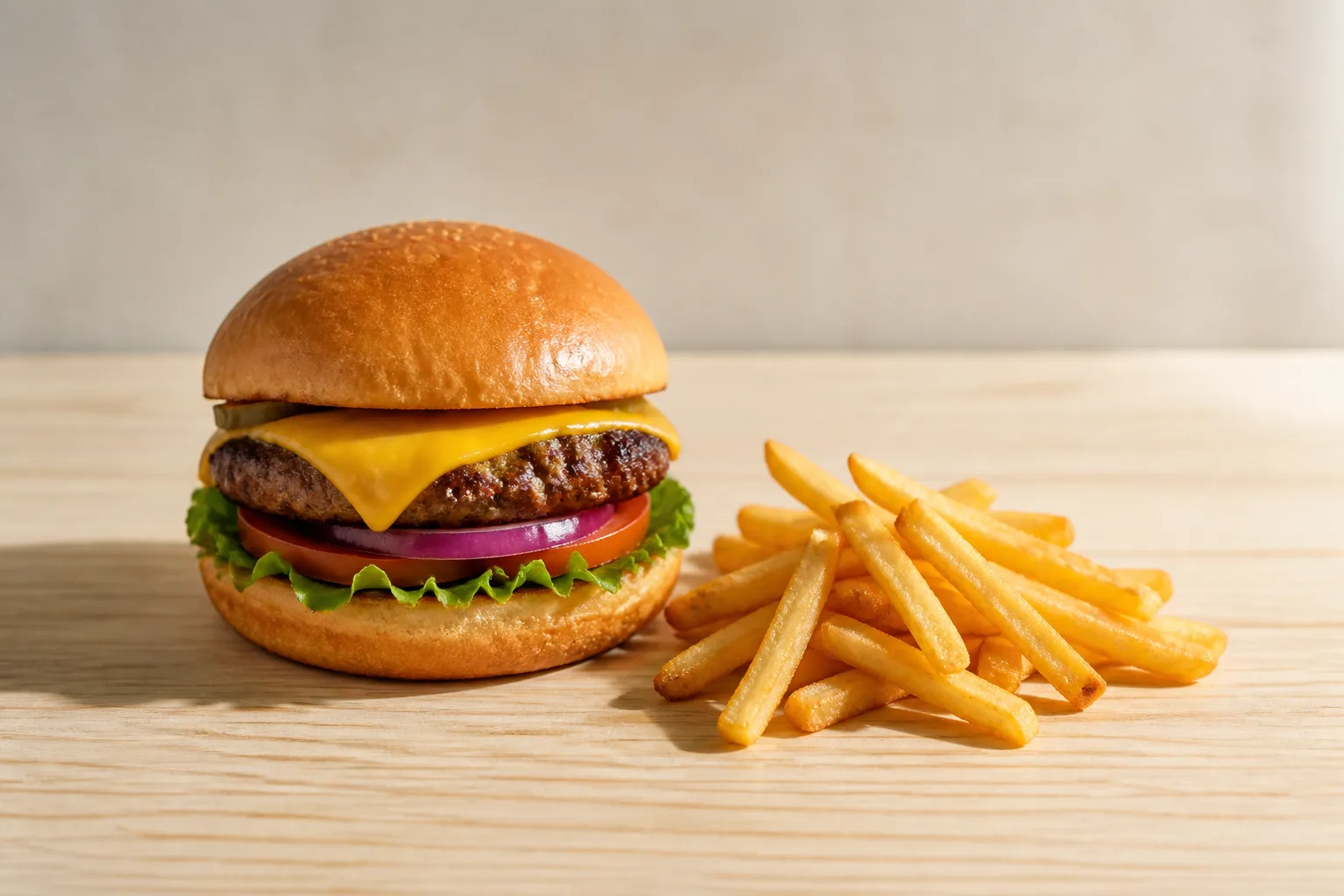
Use a 1400 × 800 px, 16:9 landscape photo and keep it under 2 MB for the safest DoorDash menu upload. DoorDash contradicts itself on the file limit, but 2 MB appears in two official places while the same help page also says “Under 16 MB.”
DoorDash photo requirements at a glance
The safest menu item file is a 1400 × 800 px, 16:9 landscape image under 2 MB, with the dish centered and fully visible.
| Image type | Resolution | Shape or crop | File limit and format |
|---|---|---|---|
| Menu item, Merchant Portal | At least 1400 × 800 px | 16:9 landscape | Use under 2 MB; DoorDash has not published accepted formats for this upload path |
| Menu item, POS or menu API | At least 1400 × 800 px | 16:9 landscape | 2 MB; JPG, JPEG, or PNG |
| Header or carousel | 1400 × 800 px | Displayed at 4:1 on web and 16:9 in the app | Same 2 MB working limit |
| Logo | At least 230 × 230 px | 1:1 recommended | Same 2 MB working limit |
DoorDash asks for the menu photo in 16:9 even though some placements crop it to a 1:1 thumbnail. Keep the dish near the center so the square crop does not cut off the food.
Check composition before you upload
Keep at least 80% of the item inside the frame, while letting the item fill 50% to 70% of the image.
Framing that meets the written rules
- Show one menu item per photo unless the items are sold together as a set.
- Do not show people. A hand is allowed only when it does not distract from or cover the item.
- Use a simple, natural background. A white background is acceptable only when it looks natural.
- Keep the food sharp and properly lit. DoorDash names focus and lighting as rejection categories but publishes no numeric threshold for either.
- A slightly blurred background is acceptable if the food itself is sharp.
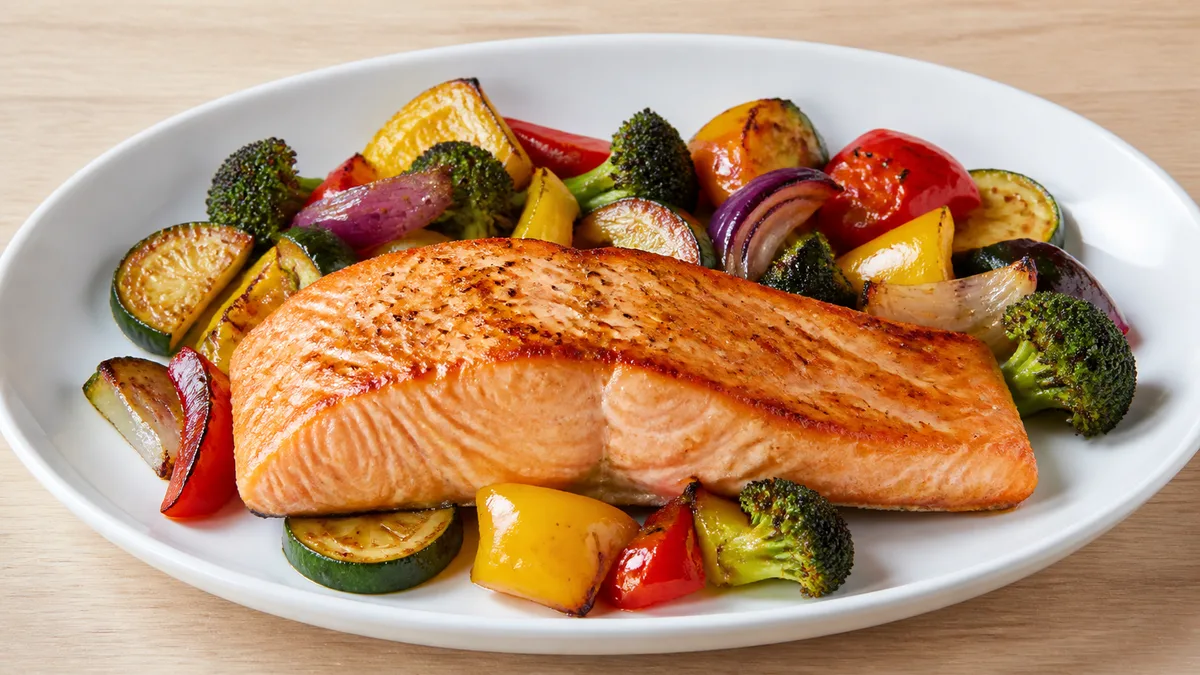
Do not add text, graphics, borders, or watermarks. A logo or words may appear only when they physically exist on the item, such as printing on a takeout cup.
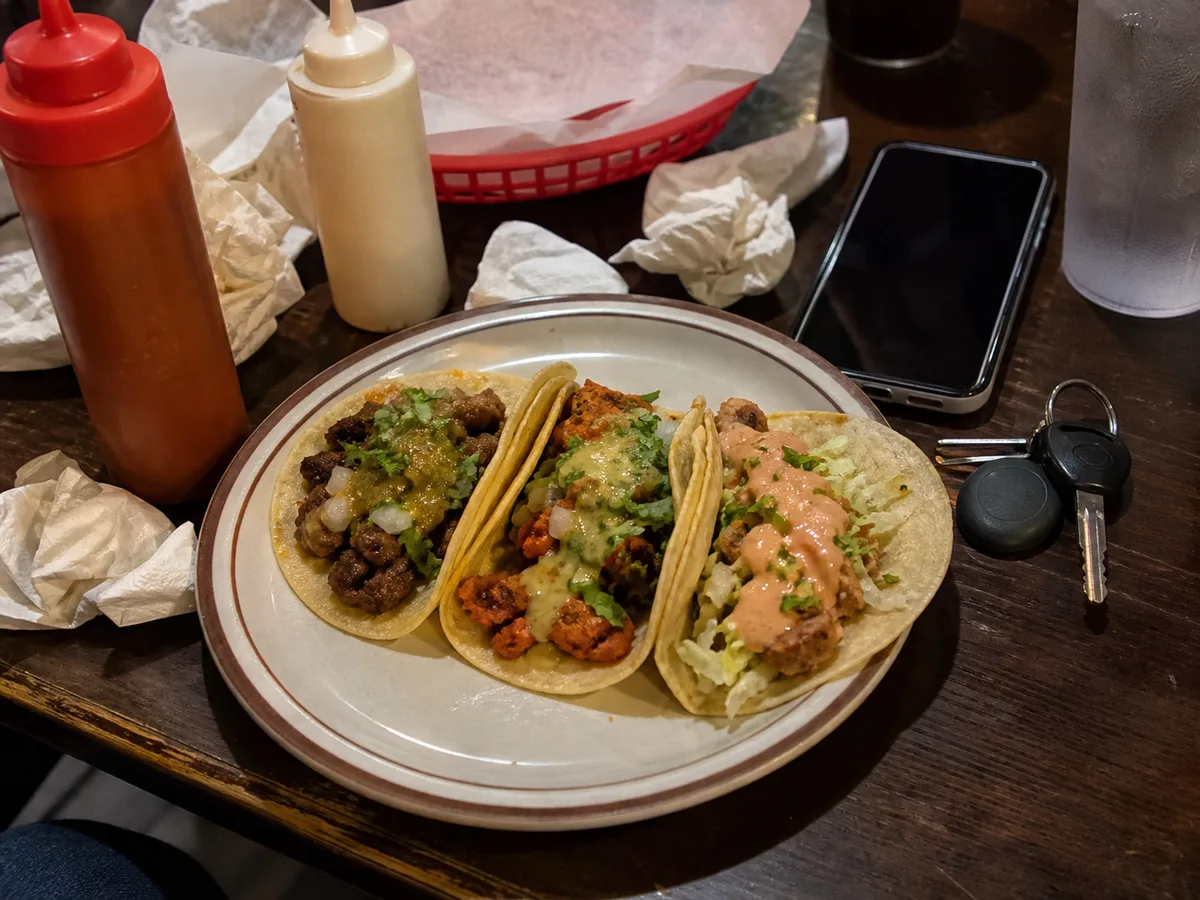
DoorDash has exactly 11 official rejection reasons
If your DoorDash photo was rejected, match the notice against these 11 categories before editing anything.
- Size or resolution: The image is below the minimum or exceeds the applicable file limit.
- Zoom: Keep at least 80% of the item visible while filling 50% to 70% of the image.
- Aspect ratio: The photo is not 16:9 landscape.
- Lighting: DoorDash publishes no numeric threshold.
- Background: The setting is distracting, unnatural, filled with a solid color, or composited.
- Overlays, borders, or watermarks: Added text, graphics, frames, and watermarks must be removed.
- People: People are not allowed, and a hand is conditional on not blocking or distracting from the food.
- Misrepresentation: The photo must show what the customer actually receives.
- Focus: The food is not sharp.
- Copyright: Use an original image you have rights to. DoorDash says, “Don't use stock photos, images copied from websites, or third-party images.”
- Duplicate: Each separately listed item needs its own photo. Beef Taco and Chicken Taco, for example, cannot reuse one image.
Some third-party guides report different totals because they split or combine DoorDash's categories. Those counting differences are background detail and can be ignored when fixing a rejection. The official list has 11.
DoorDash's official specifications conflict
Use 2 MB as your working limit, because two of the three official file-size statements say 2 MB even though one summary on the same help page says “Under 16 MB.”
The 2 MB versus 16 MB conflict
| Official location | What it says | Practical action |
|---|---|---|
| Rejection article, size and resolution section | Maximum 2 MB | Keep the file under 2 MB |
| The same article, menu item summary | “Under 16 MB” | Do not rely on this larger limit |
| POS or menu API documentation | Maximum 2 MB | Keep integrated images under 2 MB |
The wording also varies on resolution. The rejection article treats 1400 × 800 px as the minimum, while the glossary says smaller files “may be rejected.” The built-in editor does not remove that risk: DoorDash says it “only helps to improve images that are slightly under the requirement” and “doesn't replace the minimum resolution standard.”
If your POS sends images through the menu API
Unless your menu reaches DoorDash through a POS or menu API, you can skip this entire section.
API uploads follow a separate pipeline with rules that DoorDash has not published for ordinary Merchant Portal uploads.
- Use JPG, JPEG, or PNG under 2 MB in 16:9.
- The public image URL must use http or https, end in
.JPG,.JPEG, or.PNG, and contain no query parameters. The field isoriginal_image_url. - In plain language, query parameters are the string after a question mark at the end of a URL; many image CDNs use them to specify image dimensions.
- A size or format failure “will fail and no photo will be linked to the item.” There is no rejection email for this failure.
- If you replace the image at the same URL, DoorDash will not fetch it again. Change the URL itself.
- During automatic approval, DoorDash may center-crop a wrong aspect ratio instead of rejecting it. Its documentation calls that “not ideal,” so fix the source image.
What to do when a photo is rejected
Open Menu Manager, read the reason shown on the item, correct that issue, and choose “Add new photo” to upload the replacement.
DoorDash also emails the reason and shows a notice at the top of Menu Manager. It publishes no review time at all for ordinary Merchant Portal uploads, so claims such as a one-business-day turnaround are not official DoorDash policy.
For the POS or menu API manual route, DoorDash states 5 business days and then sends the status by email. Instant Photo Approvals can review select compliant menu item photos in about one minute; “select” matters because the announcement does not promise instant handling for every upload.
AI tools still go through review
AI Retouch, AI Replate, and Match Style are available in the Merchant Portal. DoorDash says enhanced photos “continue to go through DoorDash's standard moderation and photo review process.”
The editor can adjust the setting, lighting, sharpness, plating, color, or background depending on the mode. DoorDash has published no policy at all for AI-generated images themselves, so do not present a third-party site's AI rule as an official rejection category.
If you need a new usable menu image rather than an edit, MenuFactory's AI food photography tool is one option. The resulting image still needs to match the dish customers receive and pass DoorDash review.
DoorDash may add photos you did not upload
- For items without photos, DoorDash may add images from a connected Instagram business account or Yelp.
- These images go through the same review and may be rejected.
- DoorDash says it never replaces photos you uploaded; it only fills empty slots.
- To stop a Yelp-sourced photo for an item, open the item in Merchant Portal, select the info icon, choose “Request Menu Help,” include the category, item name, price, and applicable menu, and submit the request.
DoorDash's free photography has conditions
This section applies only to eligible merchants. If you are unsure whether you qualify, you can skip it for now; all photo specifications are already covered above.
Eligible merchants can receive up to 20 photos of popular dishes at no extra charge, but the shoot itself is limited to 1.5 hours and up to 15 dishes.
- You provide the ingredients and staff time to prepare the food.
- DoorDash provides the photographer and uploads the finished images to your menu.
- You own the photos, but DoorDash asks you not to use them on other third-party delivery platforms.
- Time beyond 1.5 hours is not covered.
The Premier plan's $200 credit
Premier merchants may qualify for a $200 professional food photography credit. Merchants outside DoorDash's photography service area must first upload 10 approved photos, and merchants who previously received a $300 photo incentive are not eligible.
For paid alternatives, use this short menu photography cost comparison instead of adding another pricing table here.
Optional detail: how DoorDash compares with other apps
Skip this section if you only upload to DoorDash; these differences matter when the same source photo must serve several platforms.
| Platform | Minimum item-photo size | Recommended or required ratio | File limit | Published formats |
|---|---|---|---|---|
| DoorDash | 1400 × 800 px | 16:9 required | Use 2 MB | JPG, JPEG, PNG only published for the integration path |
| Uber Eats | 550 px wide and 440 px high | 5:4 to 6:4 recommended | 10 MB; Creative Hub 5 MB | jpg, png, gif |
| Grubhub | 1600 × 1200 px | 4:3 | Not published | png, jpeg, jpg |
What comparison articles often get wrong
Uber Eats is not stricter on the examples most often misread. Its no-logo rule has an exception for logos or text physically present on food, packaging, or plating. Its people rule says “except for hands” without DoorDash's no-obstruction condition, while Grubhub prohibits body parts.
Uber Eats' single-item rule prohibits mixing different menu items, such as pizza and hamburgers. It is not a count of objects in the frame, and centering is a separate rule. See the full Uber Eats photo requirements before reusing a DoorDash crop.
Optional detail: DoorDash's sales figures
Skip this section if you only need the upload rules; these are DoorDash's own reported associations, not a promise for an individual restaurant.
- In a study covering more than 15,000 local small businesses, menus with item photos had up to 44% higher monthly sales.
- In the same study, menus with a header photo had up to 50% higher monthly sales, while menus with a logo had up to 23% higher monthly sales.
- Elsewhere, DoorDash says restaurants with high-quality photos may see up to 30% higher sales.
The practical takeaway is modest: get compliant photos onto the menu, then improve them. If you are shooting in-house, follow this phone food photography guide and preserve a 16:9 master with safe space around the centered dish.
Sources
- DoorDash: Common Rejection Reasons, checked 2026-08-15
- DoorDash: Photos Terms Glossary, checked 2026-08-15
- DoorDash: DoorDash Photos Types, checked 2026-08-15
- DoorDash Developer: Integrated Images, checked 2026-08-15
- DoorDash: Menu Photos with Smart Photo Tools, checked 2026-08-15
- DoorDash: AI-Powered Tools for Online Menus, checked 2026-08-15
- DoorDash: Free DoorDash Photoshoots, checked 2026-08-15
- Uber Eats: Merchant-Submitted Menu Catalog Photo Guidelines, checked 2026-08-23
- Uber Eats: Store-Submitted Menu Photo Guidelines, checked 2026-08-23
- Grubhub Developer: Menu Imagery Specifications, checked 2026-08-15
- DoorDash: How Photos Can Increase Sales, checked 2026-08-15
- DoorDash: Maximize Your Menu, checked 2026-08-15