Blog
Practical guides on food photography, editing, and running your menu.
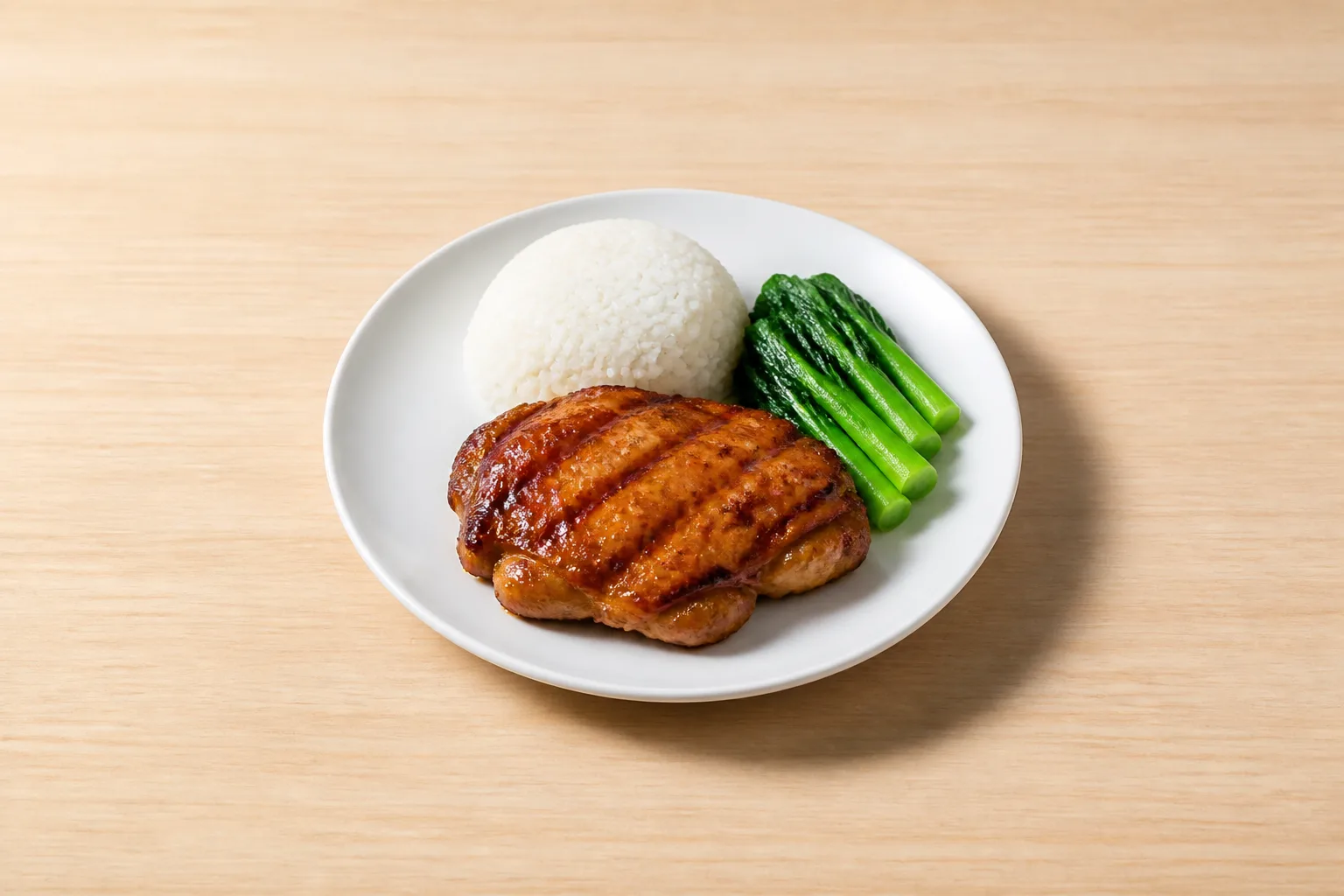
foodpanda Photo Requirements in Taiwan: The Exact Files to Upload
Prepare foodpanda and Uber Eats menu photos in Taiwan with the right pixel sizes, file limits, formats, and approval steps.
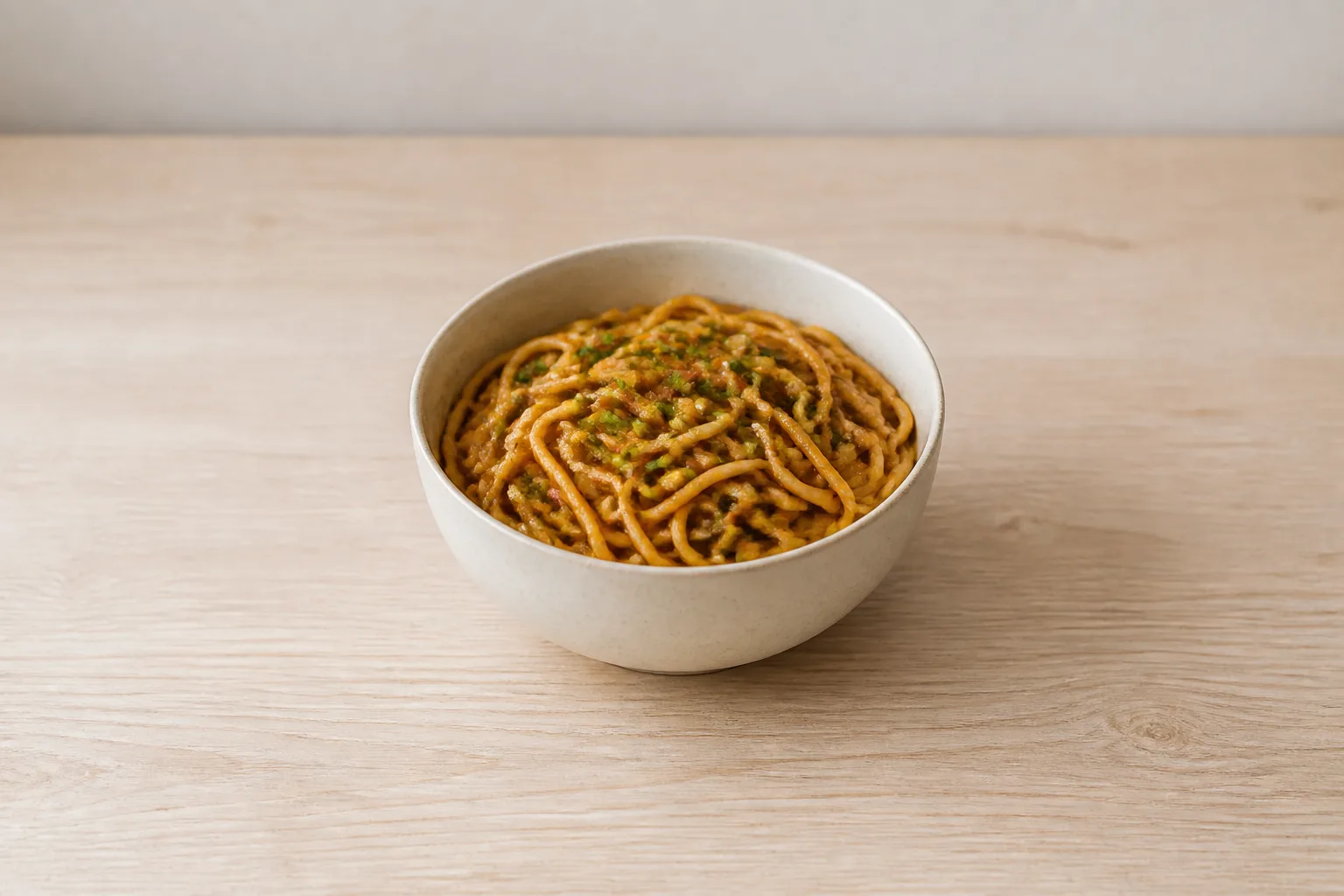
Delivery App Photo Requirements: One Image Cannot Fit Every App
Make the right food photo files for DoorDash, Uber Eats, and Grubhub, then see why nine platform specifications conflict.
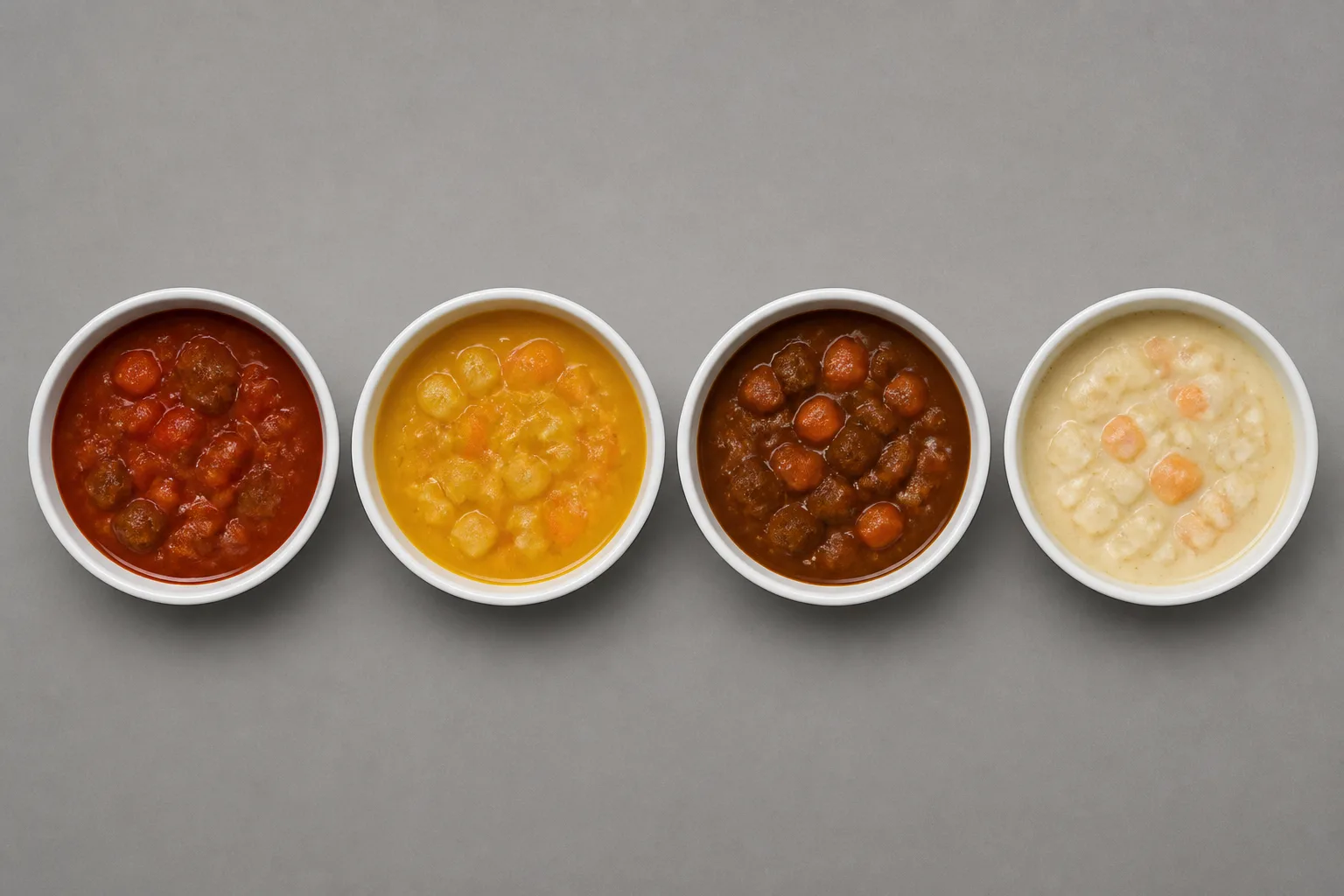
DoorDash Duplicate Photo Rejections: What Restaurant Owners Should Do
Do not reuse one menu photo across separate DoorDash items. See the exact rule, how Uber Eats and Grubhub differ, and the fastest fix.
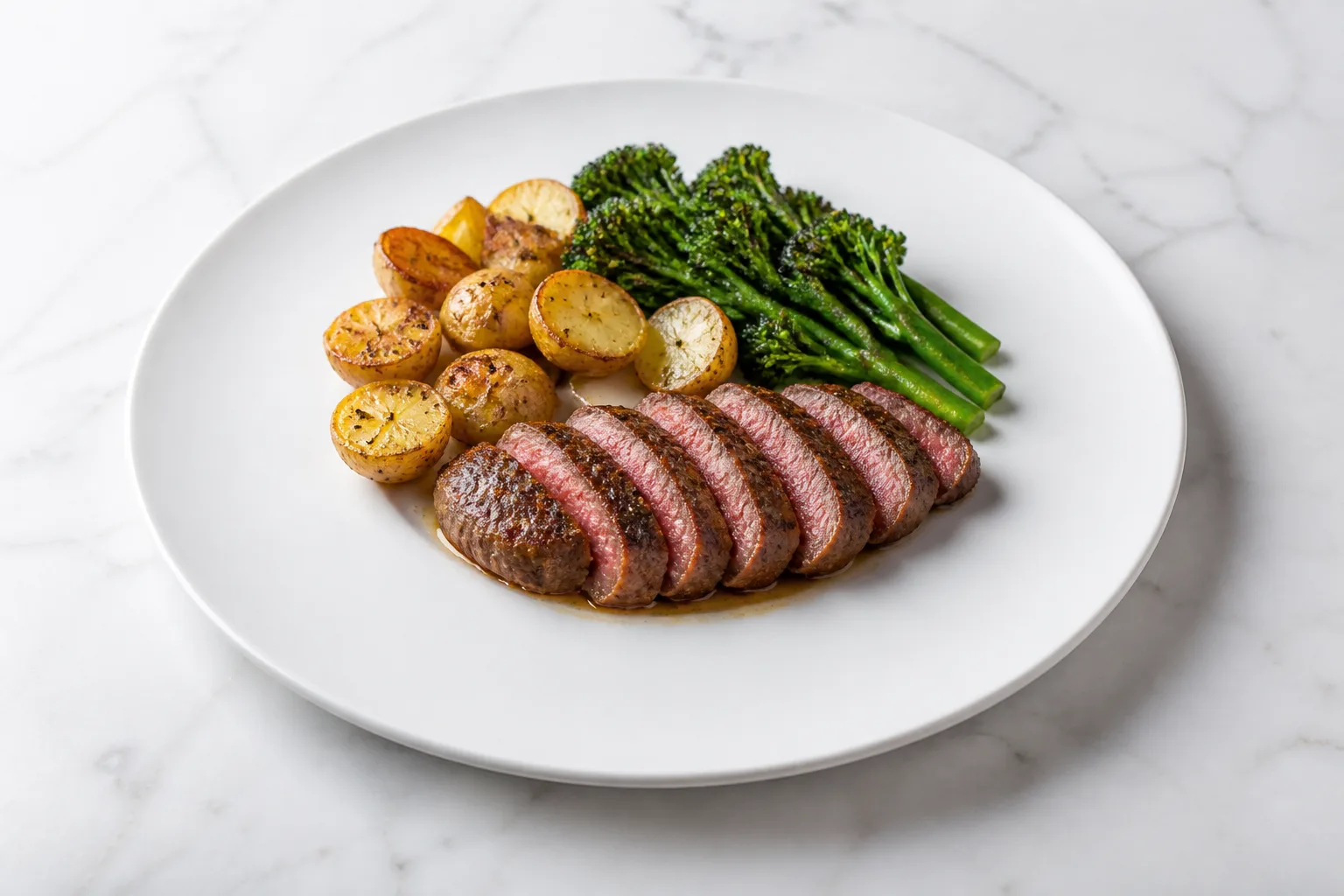
Food Photo White Balance: Stop Yellow and Orange Menu Photos
Match your phone to the restaurant light, use a gray card, and keep every dish the same color across your delivery menu.
Why Menu Photos Lose Color in Delivery Apps
A practical sRGB export workflow that keeps food photos consistent from your phone to DoorDash, Uber Eats, and Grubhub.
Phone Camera Food Photo Distortion: Fix the Angle First
Keep round plates round, stop small dishes from triggering an ultra wide lens, and choose a practical camera distance for delivery app photos.
Uber Eats Photo Requirements: The Correct Specs for Both Upload Routes
Check Uber Eats photo size, format, composition, cover image, and review rules for Menu Maker and Menu API uploads.
DoorDash Photo Requirements: Size, Framing, and 11 Rejection Reasons
A quick-reference guide to DoorDash menu photo size, framing, file limits, rejection reasons, review timing, and conflicting official guidance.
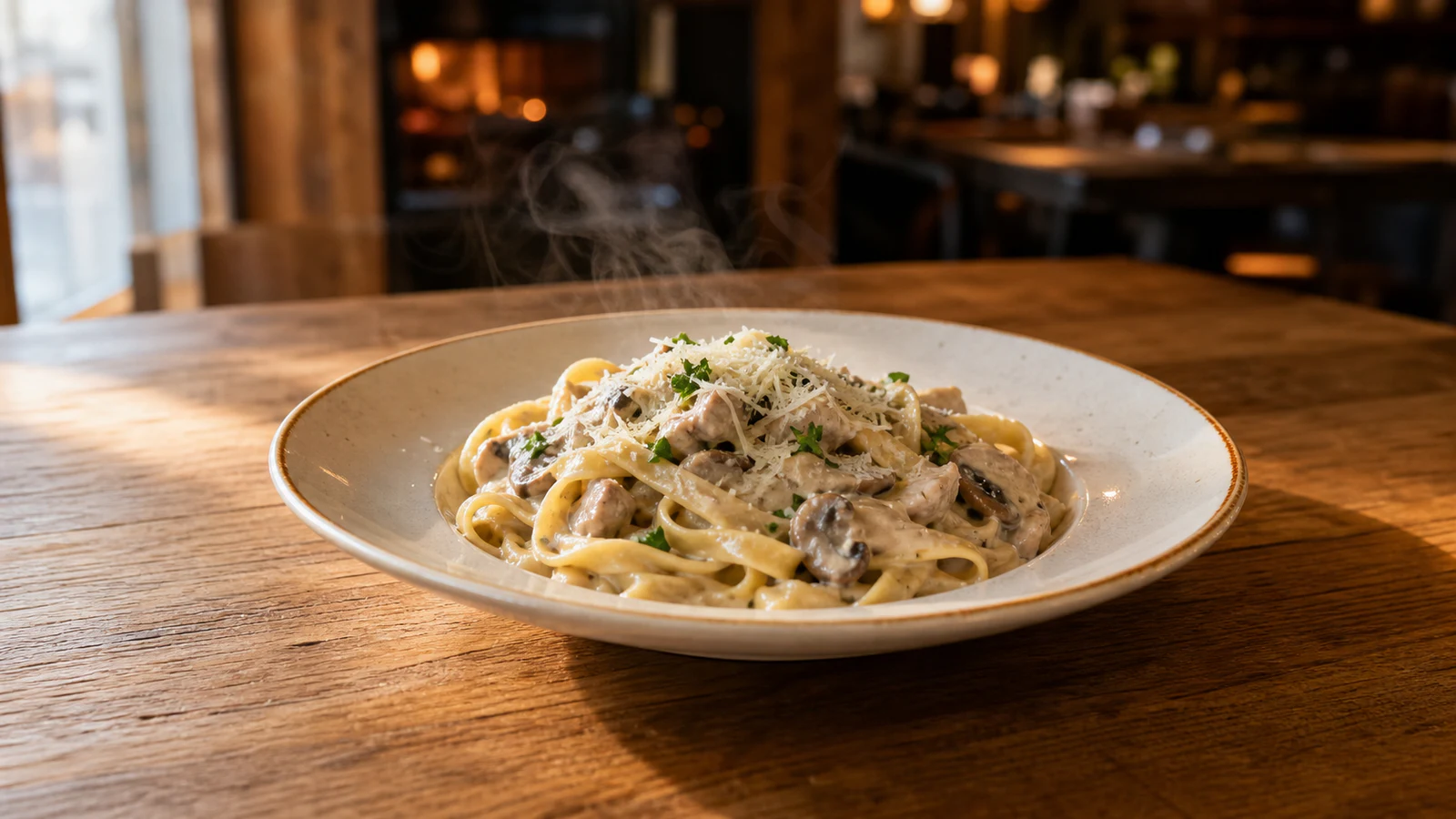
AI Food Background Removal — Manual vs AI, and Why a Cutout Alone Isn't Enough
How accurate is AI background removal on food, and are the free tools good enough? This guide compares manual and one-click AI cutouts on speed, edge quality and the cases that break them (translucent drinks, steam and sauce, gaps in noodles and salads) — then explains why a cutout alone often makes a dish look like a sticker, and what to do after removing the background.
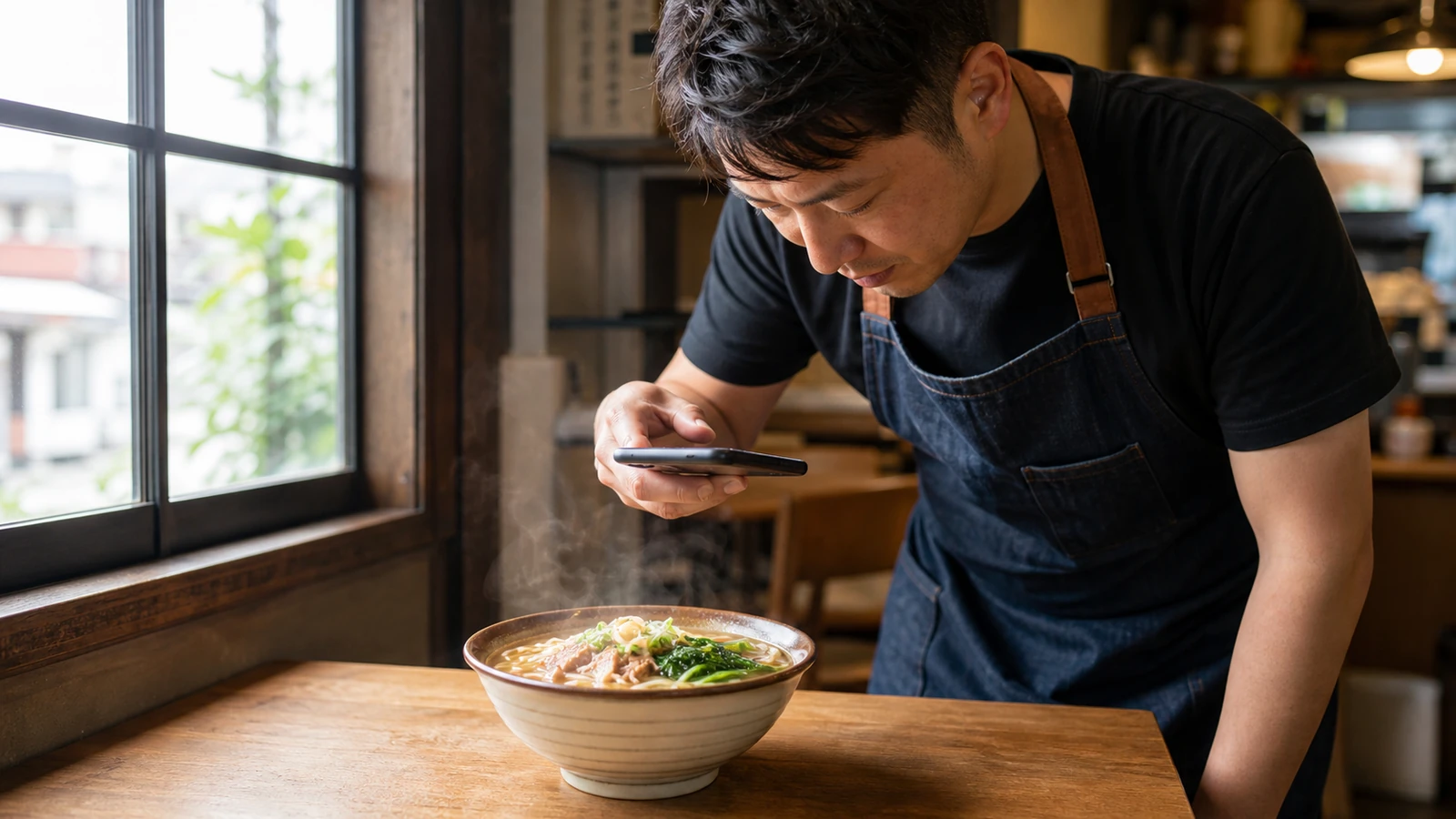
How to Photograph Food With a Phone — The Complete Guide to Menu-Ready Shots
How do you photograph food so it actually looks appetising? This guide covers lighting, shooting angles, composition and the phone camera settings that matter — plus the part almost nobody teaches: how to keep a whole menu of dishes looking like one consistent set. No DSLR, no studio, no photography background required.
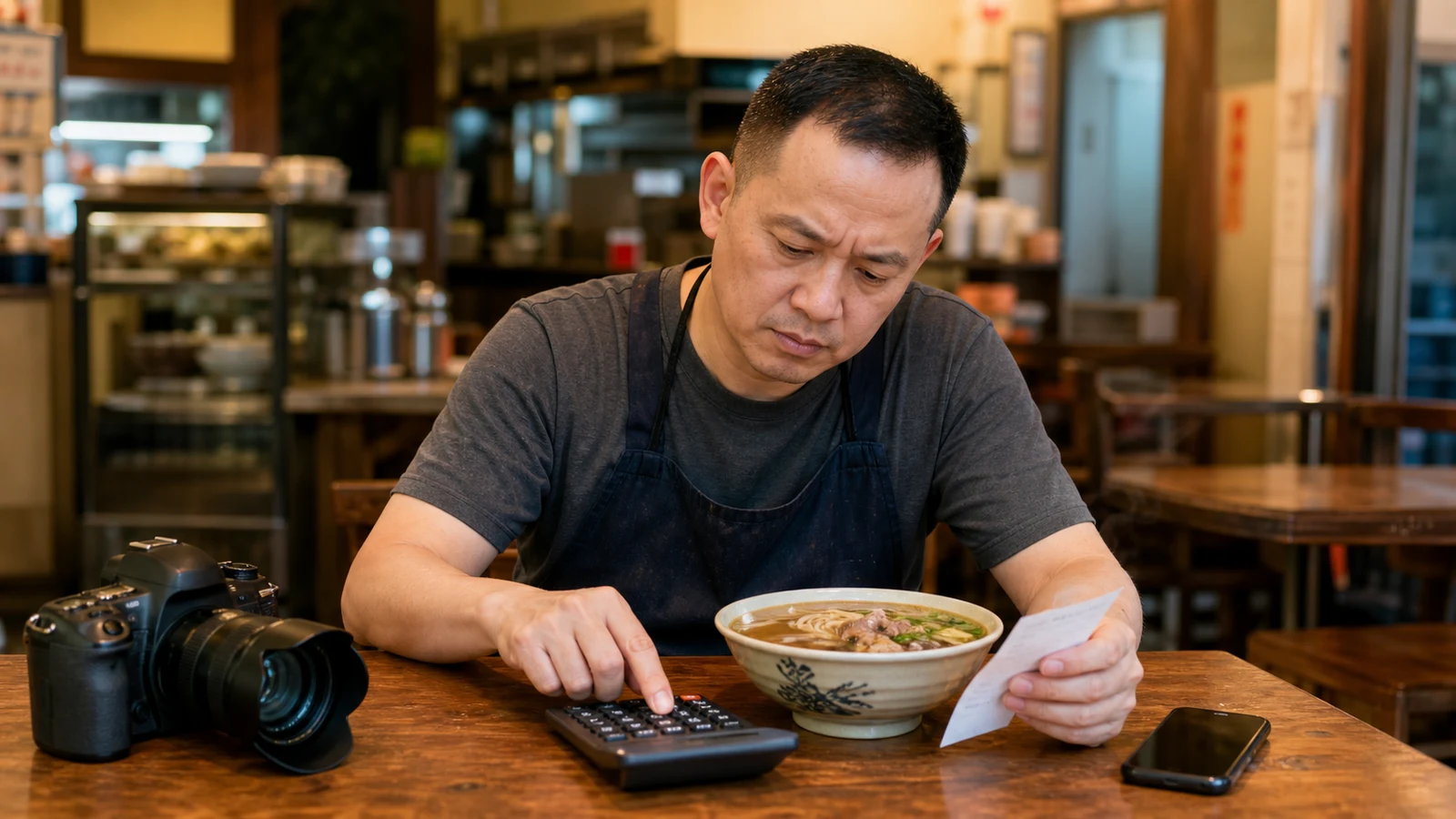
What Does Menu Photography Cost? Shooting It Yourself vs Hiring a Photographer vs AI
A full cost breakdown for menu photography — how food photographers charge (hourly, per image, per menu), the add-ons that get underestimated (travel, food prep, retouching, rush fees), and how that compares with shooting it on your phone or enhancing real photos with AI. Includes a three-way comparison and guidance on which option fits which situation.