Food Photo White Balance: Stop Yellow and Orange Menu Photos
Match your phone to the restaurant light, use a gray card, and keep every dish the same color across your delivery menu.
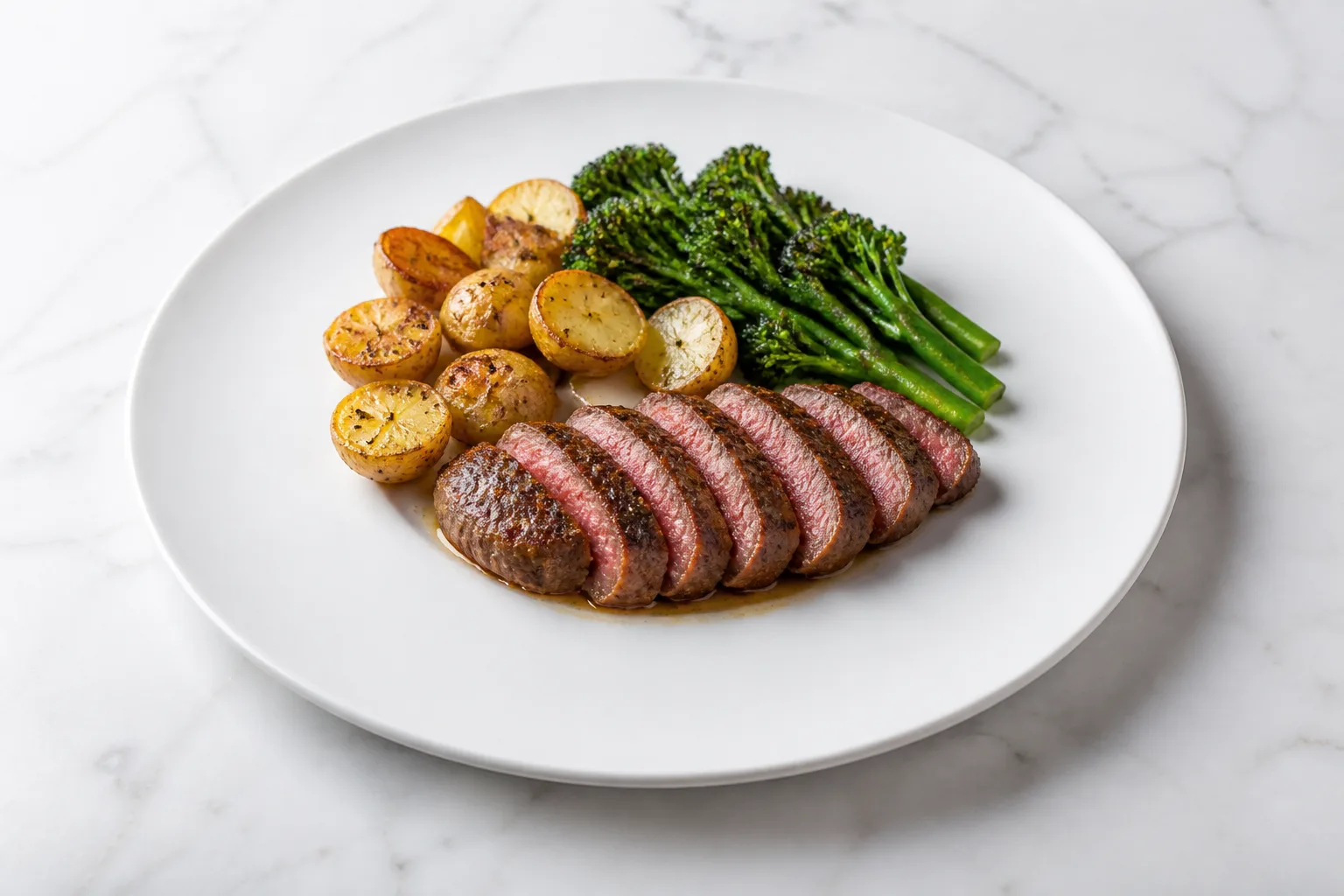
Use one light source, match the phone's white balance to that light, and photograph a gray card before the food. That is the shortest reliable way to stop white plates from turning yellow and to keep an entire delivery menu consistent.
Fix the setup before you photograph the menu
Turn off competing lights and build the shoot around one repeatable light source. A phone can correct one predictable color cast much more consistently than a mixture of warm ceiling lamps, cool prep lights, and window light.
Do this first:
- Pick either window light or one group of matching fixtures.
- Turn off every light with a visibly different color.
- Put the dish, phone, and light in fixed positions.
- Find the Kelvin number on the bulb package or the code printed on the tube.
- Set or correct white balance, then photograph every dish without changing the setup.
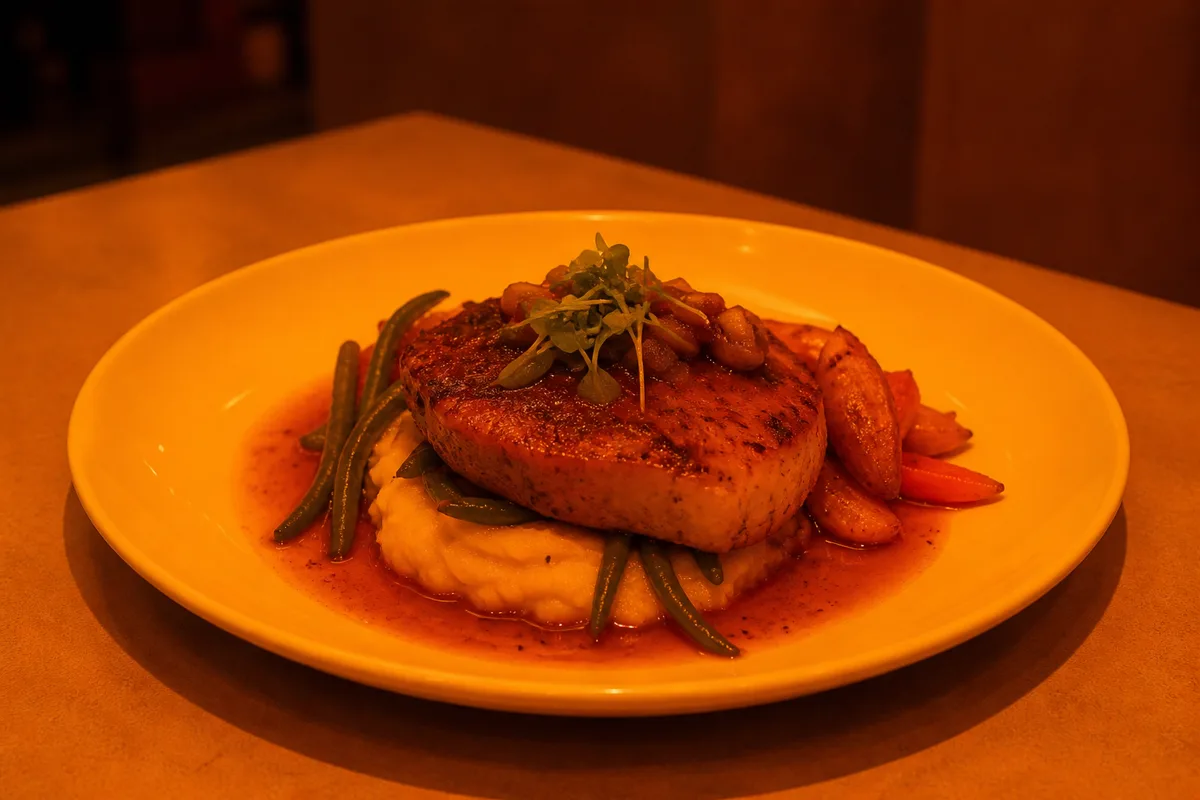
If the plate looks amber, do not start by increasing saturation. Apple describes this exact symptom as a yellow or orange cast caused by the fixtures at the location. White balance is the correction for the color of the light; saturation is not.
If you want the phone and light-spec details
Read the lamp before guessing at a preset. In the United States, the FTC requires the Lighting Facts label on most general-service bulbs with medium screw bases to show correlated color temperature as “Light Appearance” on a scale from 2,600 K to 6,600 K.
Fluorescent tubes can also reveal the answer in their code. In Philips' ordering legend, 841 means a CRI of at least 80 and a color temperature of 4100 K. The same guide lists 830 at 3000 K and CRI 85, and 841 at 4100 K and CRI 82.
Quick lookup: label to phone preset
| Light you found | Marking or measured specification | Setting to try |
|---|---|---|
| Philips EcoVantage halogen A19 | 2810 K | Incandescent |
| Philips linear T3 halogen | 2900 K | Incandescent |
Fluorescent tube /830 | 3000 K, CRI 85 | Warm fluorescent |
Fluorescent tube /841 | 4100 K, CRI 82 | Fluorescent |
| Window light | No lamp label | Daylight |
These preset names are targets, not promises that your fixture equals a laboratory source. Android's camera definition says Incandescent approximately matches CIE standard illuminant A. Fluorescent targets F2, Warm Fluorescent targets F4, and Daylight targets D65. Cloudy Daylight, Twilight, and Shade do not claim a CIE standard-illuminant match. When a camera app exposes these modes, selecting one disables automatic white balance and uses that illumination target.
What the built-in phone camera can control
| Control | iPhone built-in camera | Pixel built-in camera |
|---|---|---|
| Lock focus and exposure for photos | Yes, with AE/AF Lock | Not covered here |
| Lock white balance for photos | No documented photo control | Not covered here |
| Set photo white balance manually | No built-in manual control | Yes, in Pro Controls |
| Show a Kelvin reading | No | Yes |
| Lock white balance for video | Yes | Not covered here |
On iPhone, holding the focus area locks “focus and exposure,” not white balance. Apple's White Balance Lock applies when recording video. Apple ProRAW provides more control over color and white balance afterward, but creates larger files and is not available in Portrait mode.
On supported Pixel phones, open Pro Controls, select white balance, and move the temperature slider. Google's instructions say right is warmer and left is cooler; the interface also shows a Kelvin reading.
Check CRI and R9 if the food still looks dull
Buy a lamp with a disclosed CRI and R9 when you control the lighting. White balance can remove a yellow cast, but it cannot restore red information that a weak light never rendered well.
If you want the specification numbers
| ENERGY STAR lamp requirement | What it does and does not mean |
|---|---|
| Lamp Ra must be at least 80 | This is the overall color-rendering threshold, not a guarantee about red |
| No more than 3 tested units may have Ra below 77 | This is a per-unit tolerance inside the tested group |
| No individual unit may have Ra below 75 | This is the absolute floor |
| Solid-state lamp R9 must be greater than 0 | This is a minimum threshold for the deep-red sample |
| CFL R9 must be reported | Reporting is required, but this clause gives CFL no R9 minimum |
The testing structure matters: for color temperature, nine of every ten tested ENERGY STAR lamps must fall within the allowed tolerance around the nominal CCT. The eight permitted nominal choices are 2200 K and 2500 K for filament-style lamps, plus 2700 K, 3000 K, 3500 K, 4000/4100 K, 5000 K, and 6500 K.
For Ra, the group limit and the individual floor are separate. The specification says “no more than 3 units shall have Ra < 77. No unit shall have Ra < 75.” R9 is separately defined around a deep-red sample, so an Ra number by itself does not guarantee convincing reds in steak, tomatoes, or sauce.
Use a gray card as the color reference
Put a neutral matte gray card beside the dish under the same light and take a reference photo. Do not substitute a white napkin, printer paper, or a random gray tabletop: manufacturers warn that ordinary objects are not reliably neutral across different light sources.
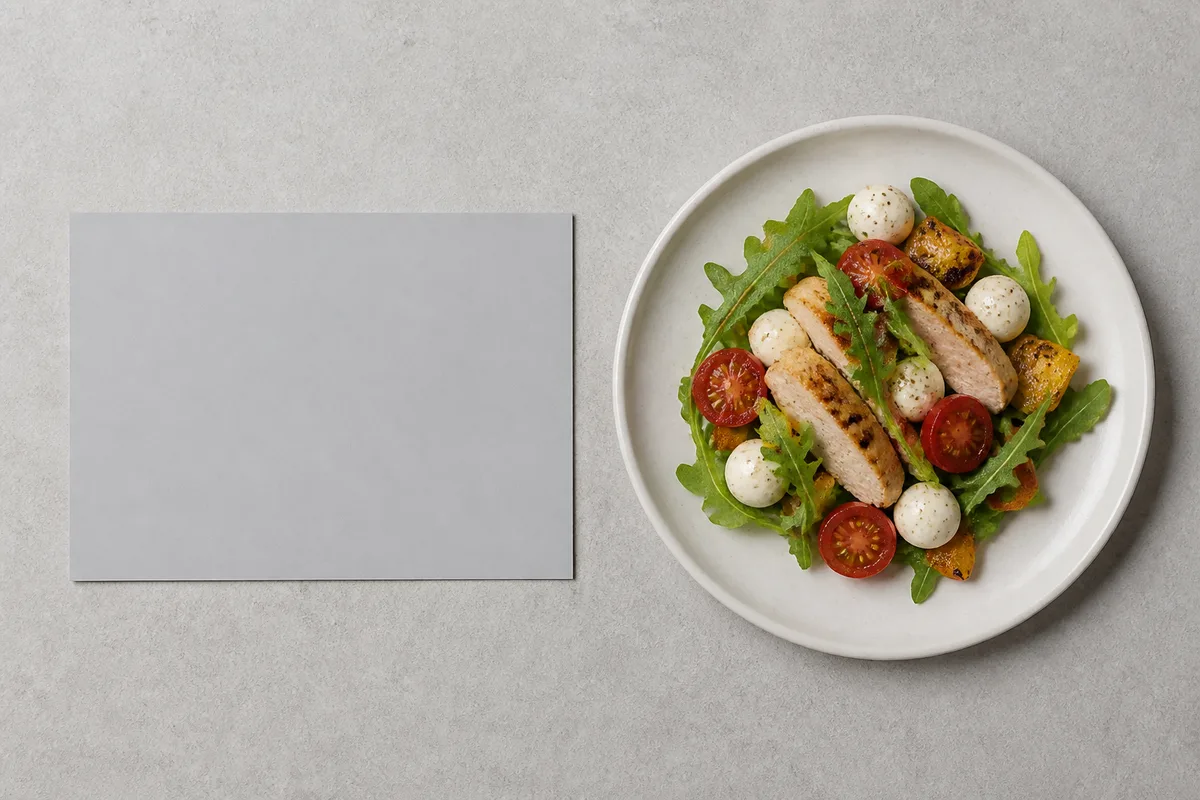
Gray-card routine:
- Finish the lighting setup before placing the card.
- Lay the blank, matte side beside the food so both receive the same light.
- Take the reference frame before moving the card or dish.
- Use the gray area as the neutral target in your editor.
- Apply the same correction to photographs made under that unchanged setup.
A purpose-made white-balance target is light gray and spectrally neutral. X-Rite explains that the lower reflectance helps avoid oversaturating the camera sensor. Calibrite says JPEG shooters should make the target their first shot; raw shooters can capture it at any time during the session.
Correct the whole set, not each dish by eye
In Photos on a Mac, open White Balance, choose Neutral Gray, and click the gray-card area with the eyedropper. Apple also documents copying and pasting white-balance edits across multiple photographs.
Do that only for images made under the same unchanged light. If the sun moved, a fixture changed, or you moved to another room, shoot a new gray-card reference for the new setup.
Run this check before uploading
Judge the set as a group before sending it to a delivery app. The goal is not to make one plate unusually warm or vivid; it is to make white objects neutral and repeated ingredients consistent from item to item.
Final check:
- Compare white plates across the full set.
- Compare the same red, green, and neutral ingredients across dishes.
- Recheck any frame made after the light or camera position changed.
- Keep the gray-card frame with the originals so you can repeat the correction.
- Confirm crop and file rules in the DoorDash photo guide and Uber Eats photo guide.
For the phone setup itself, use the food photography with a phone guide. If the original shoot cannot be recovered, AI food photography is an alternative to reshooting every plate.
Sources
- FTC Lighting Facts Label: Questions and Answers for Manufacturers, accessed 2026-08-25
- ENERGY STAR Lamps Version 2.1 Final Specification, accessed 2026-08-25
- Philips US Lamp Specification Guide SG-100, accessed 2026-08-25
- Android camera metadata definitions, accessed 2026-08-25
- Apple iPhone User Guide: Set up your shot, accessed 2026-08-25
- Apple iPhone User Guide: Change video recording settings, accessed 2026-08-25
- Apple iPhone User Guide: Take Apple ProRAW photos, accessed 2026-08-25
- Apple Photos User Guide: Adjust a photo's white balance, accessed 2026-08-25
- Google: Take holiday photos like a pro with Pixel Camera, accessed 2026-08-25
- Calibrite ColorChecker White Balance, accessed 2026-08-25
- X-Rite ColorChecker White Balance, accessed 2026-08-25
- DOE and PNNL: 2022 Solid-State Lighting R&D Opportunities, accessed 2026-08-25