Uber Eats Photo Requirements: The Correct Specs for Both Upload Routes
Check Uber Eats photo size, format, composition, cover image, and review rules for Menu Maker and Menu API uploads.
Use the column that matches your upload route: Menu Maker and Menu API have different photo requirements.
Check the correct upload specification
If you upload photos yourself in Menu Maker, use the Menu Maker column; if your POS or middleware sends the menu, use Menu API.
| Requirement | Menu Maker | Menu API through POS or middleware |
|---|---|---|
| Image size | Width 550 to 10,000 px; height 440 to 10,000 px | Width and height each 320 to 6,000 px |
| File size | Up to 10 MB | Under 25 MB |
| Accepted formats | JPG, PNG, GIF | JPG, PNG, WEBP |
| Aspect ratio | 5:4 to 6:4 is recommended | Not published for this route |
| Processing | Goes through photo review | Images may take up to a few hours to process |
JPG and PNG are the only formats accepted by both routes. If you are preparing one dependable export, choose either one.
For Menu Maker, the 5:4 to 6:4 ratio is a recommendation, not a mandatory acceptance rule. Center the food and keep it away from the corners and frame edges. You must also own the image or have the right to use it.
Read these three rules correctly
Uber allows more than many summaries suggest: physical text can remain, hands can appear, and a single menu item can contain several pieces.
Text and logos: physical can stay; added graphics cannot
Uber prohibits text, words, logos, and watermarks, then immediately gives an exception for logos or text on food the merchant sells, its packaging, or its plating. The catalog guideline says: "Exceptions for logos/text on food items the merchant sells or on packaging/plating, but no profanities allowed."
That means a branded wrapper or writing made on the food can remain. A watermark, price, promotion, printed card behind the plate, or background sign added for the photo is still prohibited. The exception names only food, packaging, and plating.
Hands: Uber's exception has no extra condition
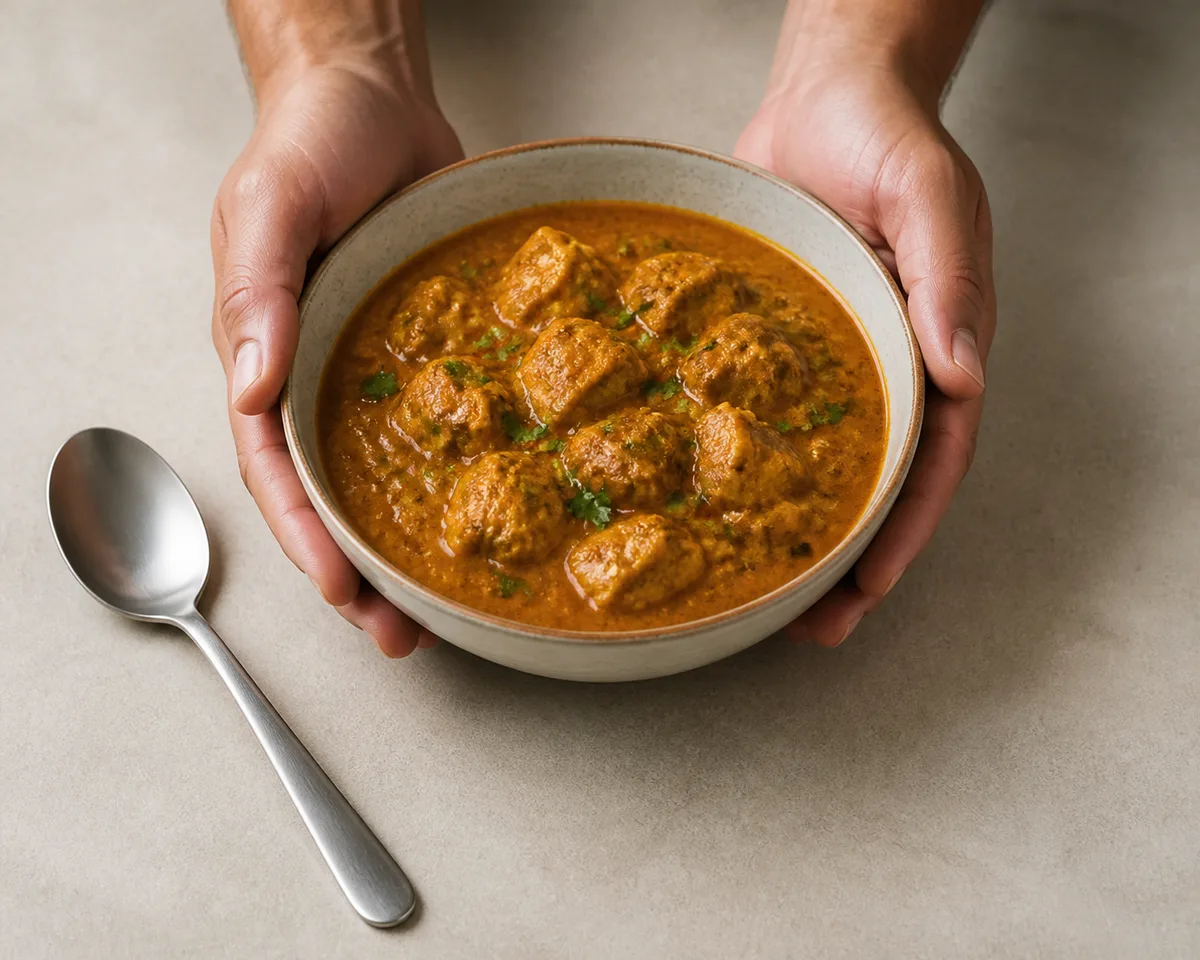
Uber's prohibited-content wording is "Depict people (except for hands)." The parenthetical adds no condition. A hand is not automatically a rejection reason, although it is still sensible not to cover the food.
DoorDash uses a narrower rule: hands are acceptable only when they do not block the item. Do not carry that condition over and present it as Uber's wording.
One item: count menu items, not objects
The merchant-submitted catalog page explains that a pizza photo should show pizza, "not pizza and hamburgers." The rule separates different menu items; it does not require one physical object in the frame.
As a practical inference, a box sold as one menu item may show all the pieces in that box. Clean serving utensils do not become menu items. Used cutlery is a separate problem because Uber prohibits unsanitary settings, including used cutlery.
Use a different checklist for the cover photo
A cover photo must show more than one product, the opposite of an item photo.
| Cover photo requirement | What to prepare |
|---|---|
| Canvas | 2880 px wide by 2304 px high, filled to the margins |
| Format and ratio | JPEG at 5:4 |
| Composition | Centered, horizontal, properly cropped, with a simple background |
| Content | Relevant store items, not only a single product |
| Branding | Store name may appear if it does not overpower the image |
Do not use only a logo, non-logo text, or any logo or text other than the store name. That includes the Uber Eats logo. Cover photos also reject black-and-white images, cluttered or stacked items, building exteriors or interiors, animals, and people.
Restricted cover subjects include tobacco, e-cigarettes, cigars, CBD, e-cigars, baby formula, and items requiring a prescription.
Run this check before uploading
Submit a centered, clean, accurate photo with no post-added promotion and no unrelated menu item.
- Confirm which upload route you use before resizing or converting the file.
- Keep the dish centered and fully inside the frame.
- Remove dirty surfaces, dirty packaging or plating, and used cutlery.
- Remove added prices, promo copy, watermarks, and unrelated branding.
- Confirm that you own the photo or have permission to use it.
If the file passes but the food still looks dim, tilted, or unclear, use this phone food photography guide before reshooting the full menu.
Upload, review, and fix a rejection
Menu Maker photos can take up to 3 business days to review; only an Approved photo goes live.
- For an item photo, open Menu Maker, choose Overview, open the item, choose Edit item, then Photo.
- For a cover photo, open Uber Eats Manager, choose the Stores tab, then use the dropdown at the upper right.
- During review, the status is Pending, Approved, or Rejected.
- If rejected, return to Menu Maker, read the reason, correct the image, and submit it again.
After approval, Uber says it "may edit the size, orientation, lighting, and/or color" of a photo. This is a possibility, not a promise that every approved image will be altered. An approved cover photo can also be applied to multiple stores.
For Menu API uploads, a successful menu push does not mean the image is immediately visible. Images are the only menu component that may take up to a few hours to process.
Control what appears when you have no photo
This section applies only if at least one item on your menu still lacks its own photo. If every item has its own photo, you will not encounter this situation.
A customer photo can appear only on a dish that is missing your own photo, so uploading your photo is the direct way to replace it.
- Only a signed-in customer who ordered the dish can submit a photo.
- Uber does not notify the restaurant when a customer photo is submitted or published.
- Restaurants cannot respond to or reuse customer photos because they do not hold the relevant license.
- Customer photos are reviewed under similar, not identical, existing quality guidelines for merchant photos.
- A restaurant can opt out by contacting [email protected] or 1-833-ASK-EATS.
Only the customer submission guideline contains the published ban on AI-generated or heavily edited images. The merchant photo guideline has no corresponding sentence. In other words, the published ban governs diners uploading photos, not restaurants supplying their own catalog; it does not establish a blanket Uber Eats rule for AI-generated merchant photos.
Optional background: why photo coverage matters
More menu coverage can affect both ordering and the visibility signals Uber gives a store. The details below are background; skip to the next section if you only need the upload rules.
Uber groups Success Score into five levels: Excellent, Great, Good, Fair, and Poor. One input, Menu details, measures how many items have photos and descriptions and is calculated as the percentage of menu items with photos and/or descriptions. Higher scores can bring specific placement and benefits, including visibility in new in-app carousels, a badge recognizing successful stores, and discounts on growth tools such as Ads credits.
If you want the numbers
Uber reports that US and Canadian merchants that added photos and descriptions to at least 70% of menu items within their first 7 days earned an average of $330 more per week. Uber also warns that individual results may vary and are not guaranteed.
Uber separately says menus with photos are 3x more likely to be ordered from. Its footnote limits that finding to global data from 2019 for restaurants with fewer than 20 locations that were not integrated with a POS.
Treat those figures as directional evidence, not a forecast for your restaurant. The practical lesson is to photograph the menu in a consistent batch, then fill the most important gaps first.
Optional background: ignore invented official specs
A useful photography suggestion is not automatically an Uber requirement. This section is background; skip it once you have used the official table above.
If the specification sheet in front of you gives only one set of numbers, it may describe just one of the two upload routes without telling you which one.
| Claim repeated by third-party guides | What Uber's cited pages actually say |
|---|---|
| 1200 × 800 px is Uber's minimum or recommended resolution | That size is within the allowed Menu Maker range, but Uber's guideline does not state it as the minimum or recommended resolution |
| Upload RGB rather than CMYK | The Uber guideline cited here does not state a color-mode requirement |
| Professional photos add 20 to 35% more orders and 15 to 25% higher order value | Those figures do not appear on the cited Uber pages |
These tips are not necessarily harmful. The problem is claiming they are official criteria that a photographer or file must satisfy for Uber.
Uber offers access to professional photography for eligible US merchants, but its public pages do not say how many dishes a shoot covers, whether reshoots are included, or what the shoot costs. For buying decisions, use a separate menu photography cost comparison. If you need a repeatable way to create menu images, see AI food photography.
Sources
- Uber Eats merchant-submitted menu catalog photo guidelines, checked 2026-08-23
- Uber Eats Menu API integration guide, checked 2026-08-23
- Uber Eats adding menu photos FAQ, checked 2026-08-23
- Uber Eats user-submitted photos FAQ, checked 2026-08-23
- Uber Eats user-submitted photo guidelines, checked 2026-08-23
- Uber Eats Success Score FAQ, checked 2026-08-23
- Uber Eats Get discovered, checked 2026-08-23
- DoorDash common photo rejection reasons, checked 2026-08-15
- Foodshot.ai Uber Eats photo requirements, checked 2026-08-23
- Fudie.ai Uber Eats photo requirements guide, checked 2026-08-23
- MenuPhotoAI Uber Eats photography guide, checked 2026-08-23
- Uber Eats merchant signup, checked 2026-08-23
- Uber Eats Storefront Academy, checked 2026-08-23