Delivery App Photo Requirements: One Image Cannot Fit Every App
Make the right food photo files for DoorDash, Uber Eats, and Grubhub, then see why nine platform specifications conflict.
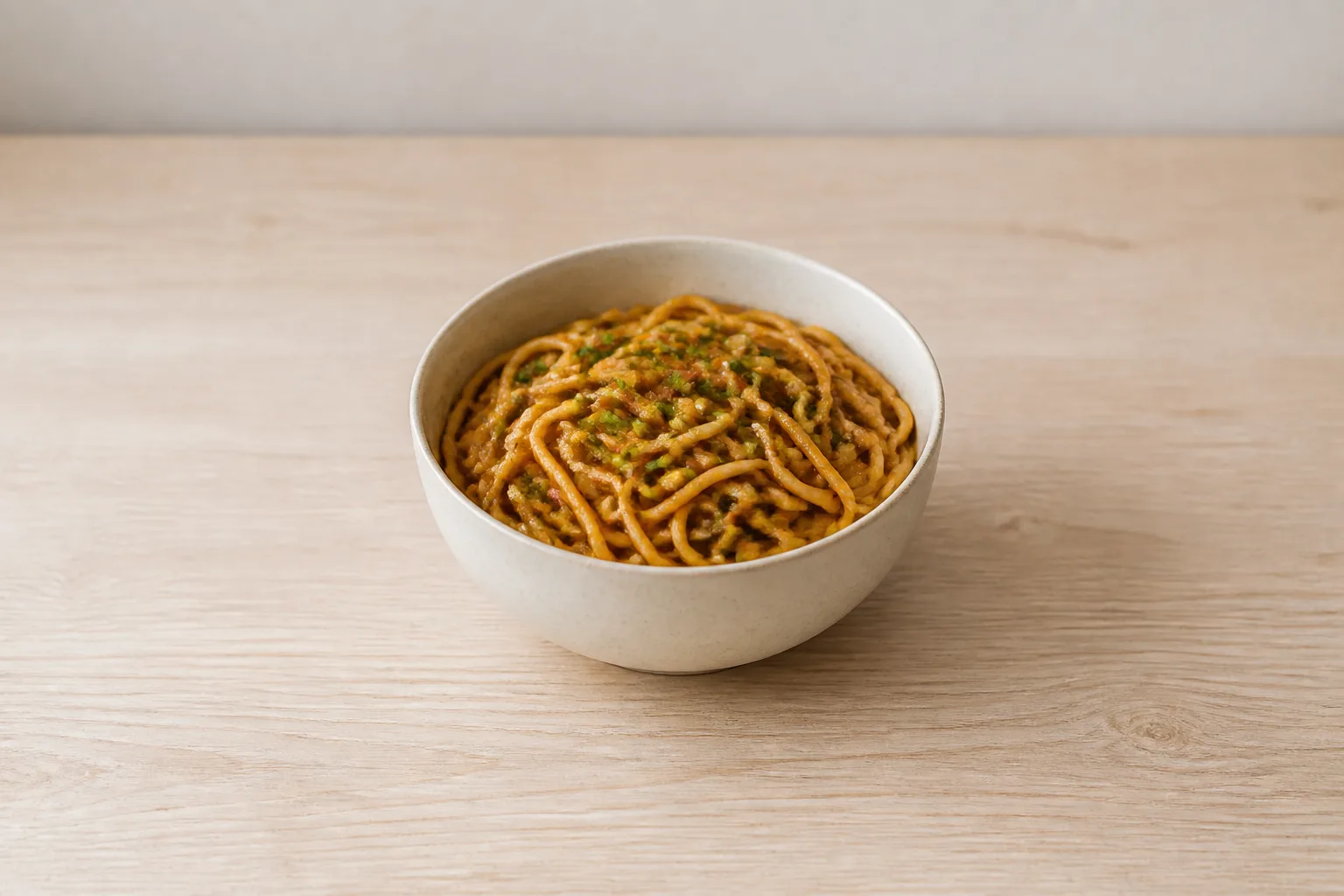
Do not upload one food photo to DoorDash, Uber Eats, and Grubhub. Save three crops from one clean master instead. DoorDash requires a wide image, Uber Eats recommends a less-wide range, and Grubhub requires a different rectangle. One crop cannot match all three.
Make these three files first
Your fastest workable setup is one well-composed master photo plus a separate export for each app. Keep the dish centered, leave room around it, and do not put text, borders, or a watermark over the food.
The upload card
| App | Make this item-photo file | Watch for |
|---|---|---|
| DoorDash | At least 1400 × 800 px, 16:9 landscape only | Keep the item within 50% to 70% of the frame and at least 80% visible. Use a simple, natural background. |
| Uber Eats Menu Maker | A 5:4 to 6:4 ratio is recommended. Width can be 550 to 10,000 px and height 440 to 10,000 px. Maximum 10 MB. | Center the item. A menu photo should show one menu item, although that item can include its normal components. |
| Grubhub | At least 1600 × 1200 px, 4:3. PNG, JPEG, or JPG. | Keep every body part out of the image, including hands. Grubhub does not publish a maximum item-photo file size. |
DoorDash's own page gives two unresolved limits for the same file: “Under 2 MB” in one section and “File size: Under 16 MB” in another. If the image still looks clear, keeping the DoorDash copy under 2 MB avoids both published limits. DoorDash publishes JPG, JPEG, and PNG only for its integration path, not as a Merchant Portal format list.
For exact upload screens and rejection details, keep the DoorDash photo requirements and Uber Eats photo requirements open while you upload.
Keep the master simple, not platform-perfect
Shoot a flexible master, because the final crop belongs to the app. A centered dish with clear edges and extra space is easier to turn into each required shape.
- Put the complete order in the frame, with nothing that the customer will not receive.
- Use soft, even light and a plain, natural surface.
- Center the food and leave breathing room on every side.
- Save the uncropped original before making any platform copy.
- Export and name one copy for each app, then inspect the crop in that app's preview.
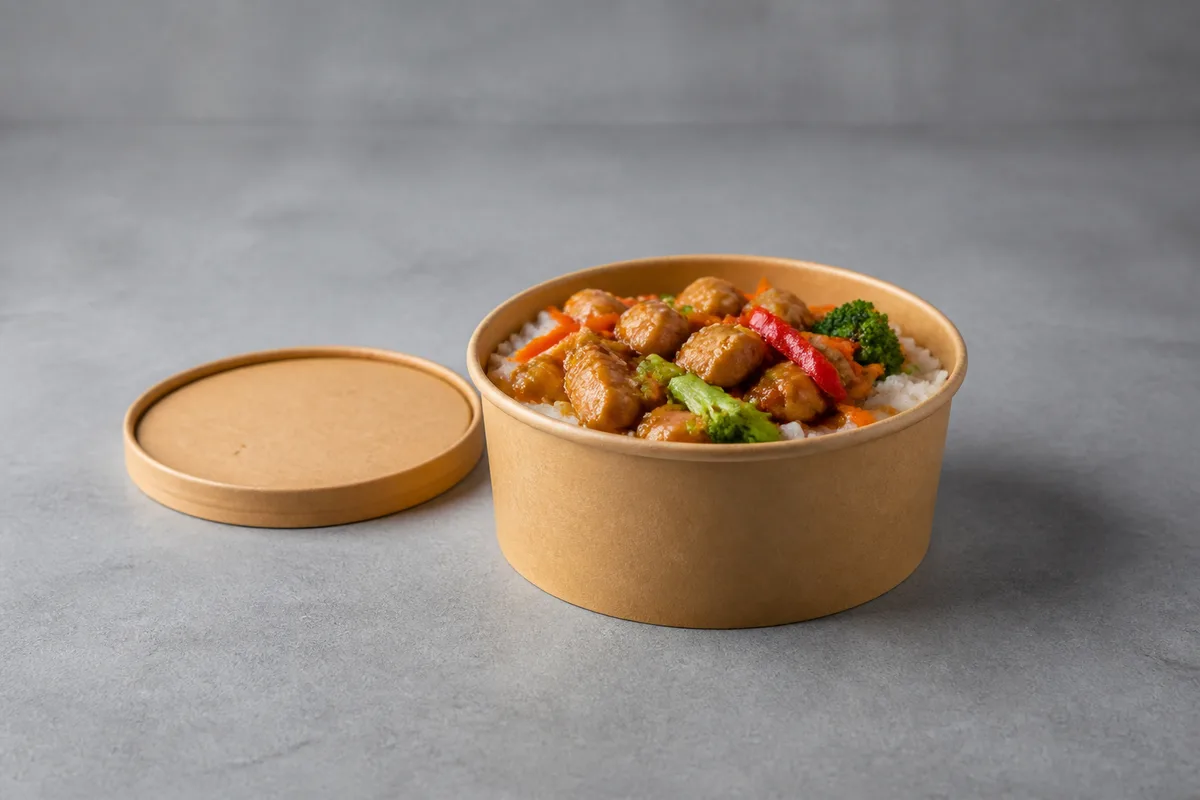
Packaging can be useful when it honestly shows how an order arrives. ezCater recommends using your packaging when possible, while also requiring that the photo show everything included and nothing extra. For a quick restaurant setup, the phone food photography guide covers the shooting basics without specialized equipment.
Before you upload
- Check that the dish is sharp and fully recognizable after cropping.
- Remove added text, graphics, borders, and watermarks.
- Keep people and hands out when possible. DoorDash permits a hand only when it does not distract from or hide the item; Uber Eats excepts hands; Grubhub bars them.
- Match the actual portion, sides, toppings, and packaging the customer receives.
- Open every exported file. Do not assume that a successful export produced a useful crop.
One file cannot satisfy all nine specifications
The conflict is real, not a matter of preference. Instacart requires a square catalog image on pure white, while DoorDash accepts only a 16:9 item photo and names solid-color fills and composited backgrounds as rejection causes.
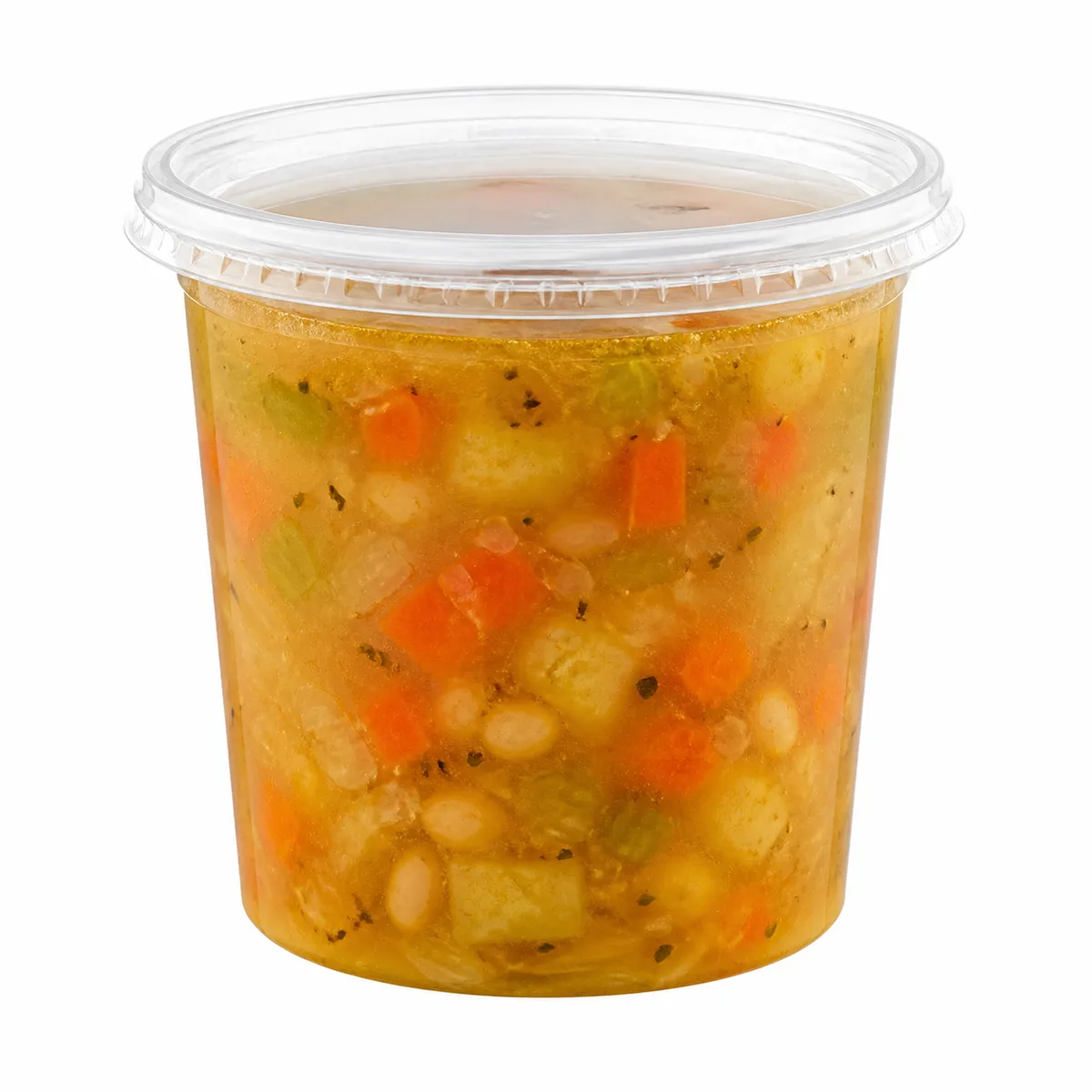
Instacart's rule says, “Pure white background required.” This applies to product-catalog images for retailers and brands, not restaurant dish photos. It still shows why a supposed universal delivery image is unsafe.
If you want the numbers
| Platform or product | Shape rule | Published size floor or recommendation |
|---|---|---|
| Instacart catalog | Square 1:1 required | 600 × 600 px minimum; 1000 × 1000 px recommended |
| DoorDash | 16:9 landscape only | 1400 × 800 px minimum |
| Uber Eats Menu Maker | 5:4 to 6:4 recommended | Width starts at 550 px; height starts at 440 px |
| Grubhub | 4:3 | 1600 × 1200 px minimum |
| Toast legacy | 750 × 450 px rectangle recommended | 750 × 450 px recommended |
| Toast Online Ordering Pro | Supports 1:1, 4:3, and 16:9 | At least 1000 px on one side recommended |
| ChowNow menu photo | Upload flow uses a square crop | 1200 × 1200 px required by its upload error check |
| Square item library | 1:1 recommended | At least 2000 × 2000 px recommended |
| ezCater | Horizontal required | 1200 × 800 px minimum |
Toast exposes another practical failure. It tells merchants they can tailor one image to both Toast and third-party guidelines, yet its recommended 750 × 450 px menu image is below DoorDash's 1400 × 800 px minimum on both axes and is not 16:9.
The file-size rules conflict too. Square allows item-library images up to 15 MB, while Square for Franchises allows up to 2 MB. DoorDash puts the two different limits already noted on one official page. Treat the upload path and product version as part of the specification.
Treat AI and commissioned photos as separate cases
An image-making method does not make the result acceptable everywhere. Judge each finished file against the destination platform before uploading it.
- ezCater explicitly says, “No AI, stock, or other brand-owned photos.” Do not send an AI image there.
- DoorDash publishes no AI-image policy for merchants, but it requires original images you have rights to and rejects misrepresentation.
- Uber Eats has no equivalent merchant-facing AI ban in the cited guidance. Its AI prohibition applies to diner-submitted photos.
- If you use AI food photography to create a candidate image, compare the food, portion, sides, and packaging with the real order. Then make separate platform crops.
- If you are deciding between a phone shoot, generated images, and a photographer, use the menu photography cost comparison as a budgeting aid, not as a compliance checklist.
The useful rule is simple: keep one honest master, export for the named app, and recheck the current upload screen. “One image for every platform” is not a valid production plan.
Sources
- DoorDash common photo rejection reasons, checked 2026-08-15
- DoorDash integrated images, checked 2026-08-15
- DoorDash photo types, checked 2026-08-15
- Uber Eats merchant-submitted menu catalog photo guidelines, checked 2026-08-23
- Uber Eats user-submitted photo guidelines, checked 2026-08-23
- Grubhub menu imagery specifications, checked 2026-08-15
- Instacart image source requirements, checked 2026-08-25
- Toast menu item images, checked 2026-08-25
- Toast Online Ordering image guidance, checked 2026-08-25
- Toast Online Ordering Pro image requirements, checked 2026-08-25
- ChowNow menu photo upload error guidance, checked 2026-08-25
- ChowNow menu photo upload instructions, checked 2026-08-25
- Square item library image requirements, checked 2026-08-25
- Square for Franchises image requirements, checked 2026-08-25
- ezCater Photo Guide, checked 2026-08-25