foodpanda Photo Requirements in Taiwan: The Exact Files to Upload
Prepare foodpanda and Uber Eats menu photos in Taiwan with the right pixel sizes, file limits, formats, and approval steps.
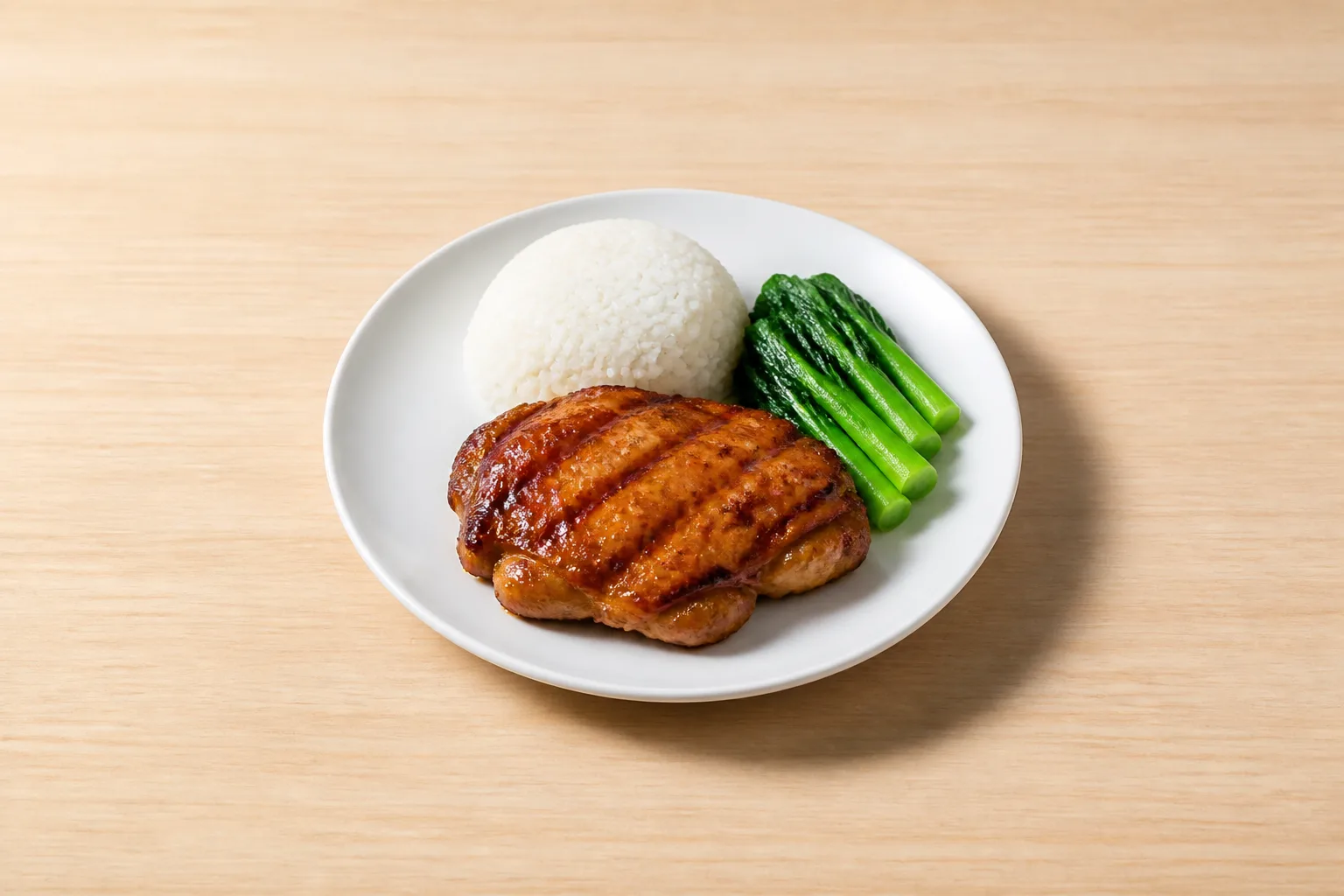
For foodpanda Taiwan, upload both a 1440 × 1053 px cover image and a 1000 × 731 px item image, as JPG or JPEG under 1MB. Those are specified sizes, not lower bounds.
If you also sell on Uber Eats, make separate exports. The Uber Eats Taiwan cover image is 2880 × 2304 px and the product image is 550 × 440 px. foodpanda's two sizes have the same shape, so one original photo can be saved in both sizes. Uber Eats is a different shape, so that same frame needs a crop before it fits there.
Make these files before you upload
Prepare a cover image for your restaurant and an item image for the dish you are submitting, then submit the foodpanda item together with a photo of your current in-store menu.
| Requirement | foodpanda Taiwan | Uber Eats Taiwan |
|---|---|---|
| Cover image | 1440 × 1053 px | 2880 × 2304 px |
| Item image | 1000 × 731 px | 550 × 440 px |
| File limit | Under 1MB | Up to 2MB |
| Accepted format | JPG or JPEG | JPG or PNG |
| Review time | 24 hours | 3 to 5 business days |
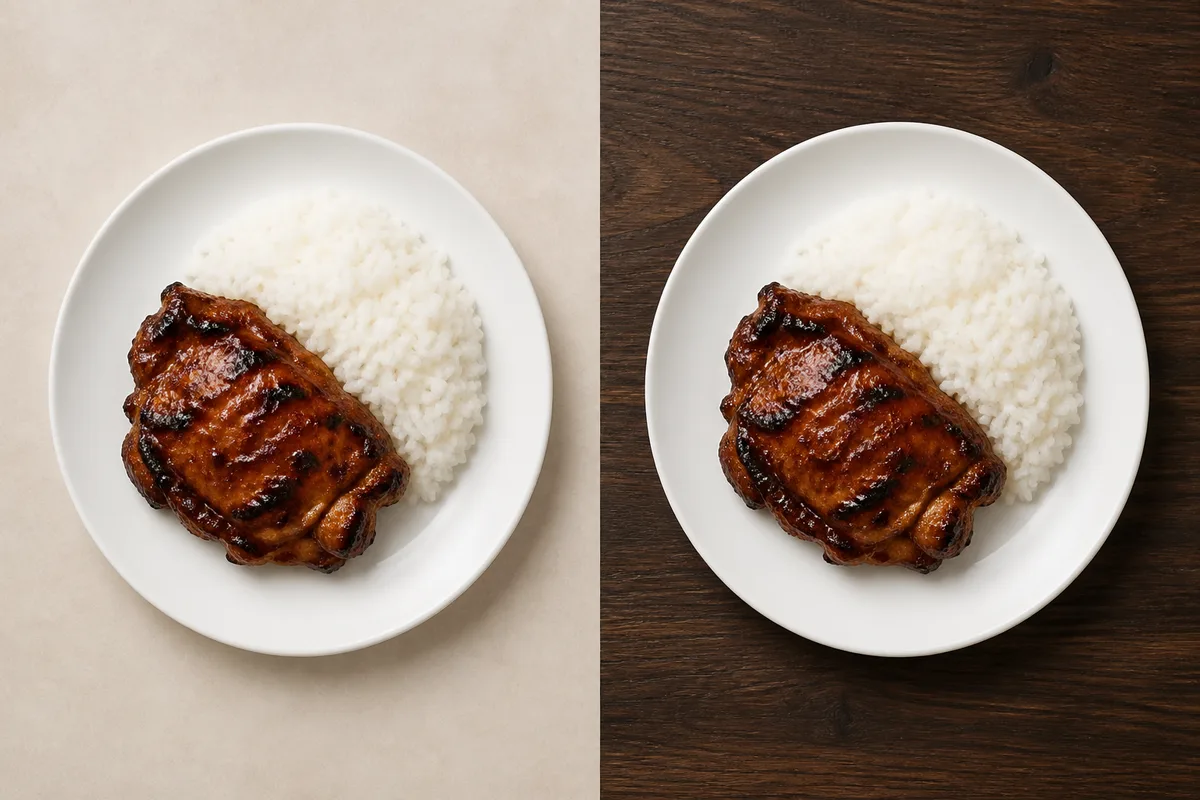
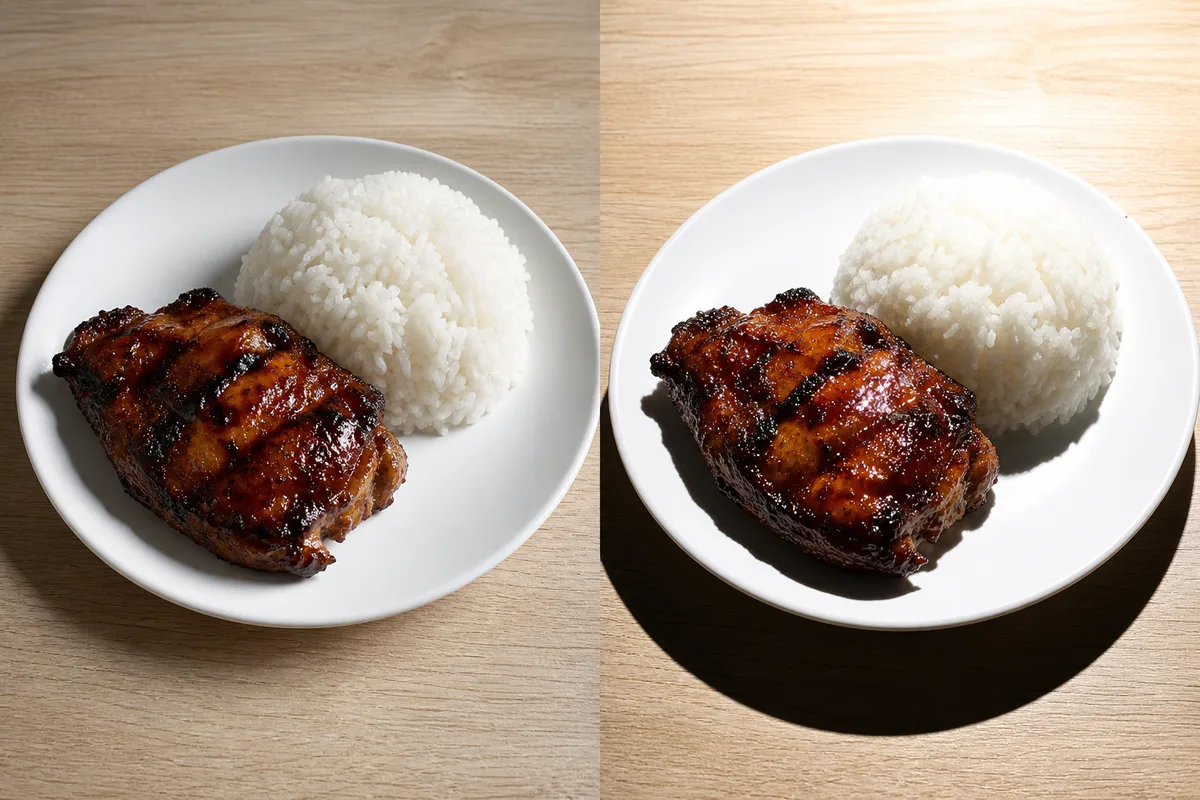
Do this now. Photograph in landscape, place the dish in the center, and leave room around it for cropping. Shoot every dish on the same plain tabletop. Choose a background that does not blend into the plate. Light it with soft natural side light rather than direct light.
For more detail, see our Uber Eats photo requirements guide and the delivery app photo requirements overview.
What foodpanda actually rejects
foodpanda Taiwan bans six things. Neither background removal nor compositing is one of them.
The complete six-item list is:
- Watermarks
- Hands or body parts in frame
- Blurry images
- Food that is not available
- Collage images
- Merchant contact information
| Claim | What the kccphoto blog says | What foodpanda Taiwan's own page says |
|---|---|---|
| Post-production text | All post-production text is banned | Post-production text is allowed up to 20% of the food photo |
| Background removal | Background removal is banned | Not on the six-item list |
| Compositing | Compositing is banned | Not on the six-item list |
A removed background is not a collage, and a composite is not a collage. Keep the item image rectangular and do not upload a transparent PNG, as explained in our background-removal guide.
Submit the photo with the item request
You submit your foodpanda photo inside the item request, not through a separate photo review.
foodpanda submission
Sign in to the merchant platform, open Menu Supply, and choose Add Item. Fill in the item details, pick a category, add a customization category if you need it, then confirm twice to submit. Whenever you add or edit an item, or change an item or customization price, upload a photo of the latest in-store ordering menu for review. That menu photo is separate from the dish photo.
Once you confirm the first time on a given day, you do not need to upload that in-store menu again that day. foodpanda states that the system review takes 24 hours.
Uber Eats submission
Plan for 3 to 5 business days in Taiwan. For an item already live, name the file exactly as the menu item is named. For an item not yet live, build the filename in this order: merchant name, item name, category, and price.
Check the source, not the search snippet
If you only need to prepare and submit photos today, you can skip this section. You will miss the reason to follow the official specification instead of search snippets.
Several front-page guides give Taiwan restaurant owners the wrong instructions. If another page disagrees with the official Taiwan specification above, follow the specification.
| Page | What the page says | Official foodpanda Taiwan requirement | Error |
|---|---|---|---|
| foodphoto.ai Taiwan page | 1000 × 1000 px, up to 5MB, JPG or PNG | 1000 × 731 px, under 1MB, JPG or JPEG | Gets the shape, size, file limit, and format wrong |
| kccphoto blog | 4000 × 2925 px, files above 1MB, background removal and compositing banned | 1440 × 1053 px or 1000 × 731 px, under 1MB; neither edit is on the ban list | Uses wrong sizes, reverses the file-size rule, and bans edits not on the official list |
| KitchenNow | The official sizes are minimums and there is a 200KB minimum | 1440 × 1053 px and 1000 × 731 px are specified sizes; the official rule is under 1MB | Treats specified sizes as lower bounds and invents a file-size floor |
Keep the two-platform workflow, and watch for changes
If you only need to prepare and submit photos today, you can skip this section. You will miss why keeping master files matters when platform requirements change.
Taiwan restaurant owners have to meet two photo specifications because the Fair Trade Commission blocked the proposed combination of Uber Eats' and foodpanda Taiwan's delivery businesses.
Why keep your master files
Delivery Hero announced the sale of its Taiwan delivery business to Grab for USD 600 million. Grab's announcement placed the transaction in the second half of 2026, subject to regulatory approval. Grab's stated target is to complete the migration of users, merchant-partners, and driver-partners to its app by early 2027. Grab has not published a Taiwan merchant photo-specification page, so do not treat a size from a third-party page as Grab's Taiwan requirement.
Keep the uncropped master image, and label every exported file with the platform it was made for. If requirements change, you can re-export without re-shooting. For help producing consistent menu images, see AI food photography.
Sources
- foodpanda Taiwan, shooting guide and photo rules, checked 2026-08-28
- foodpanda Taiwan, menu management, checked 2026-09-03
- Uber Eats Taiwan, food images, checked 2026-09-03
- Uber Eats Taiwan, image approval, checked 2026-09-03
- foodphoto.ai Taiwan page, checked 2026-09-03
- kccphoto foodpanda guide, checked 2026-09-03
- KitchenNow food photography guide, checked 2026-09-03
- Taiwan Fair Trade Commission decision, checked 2026-09-03
- Delivery Hero sale announcement, checked 2026-08-28
- Grab acquisition announcement, checked 2026-09-03