Why Menu Photos Lose Color in Delivery Apps
A practical sRGB export workflow that keeps food photos consistent from your phone to DoorDash, Uber Eats, and Grubhub.
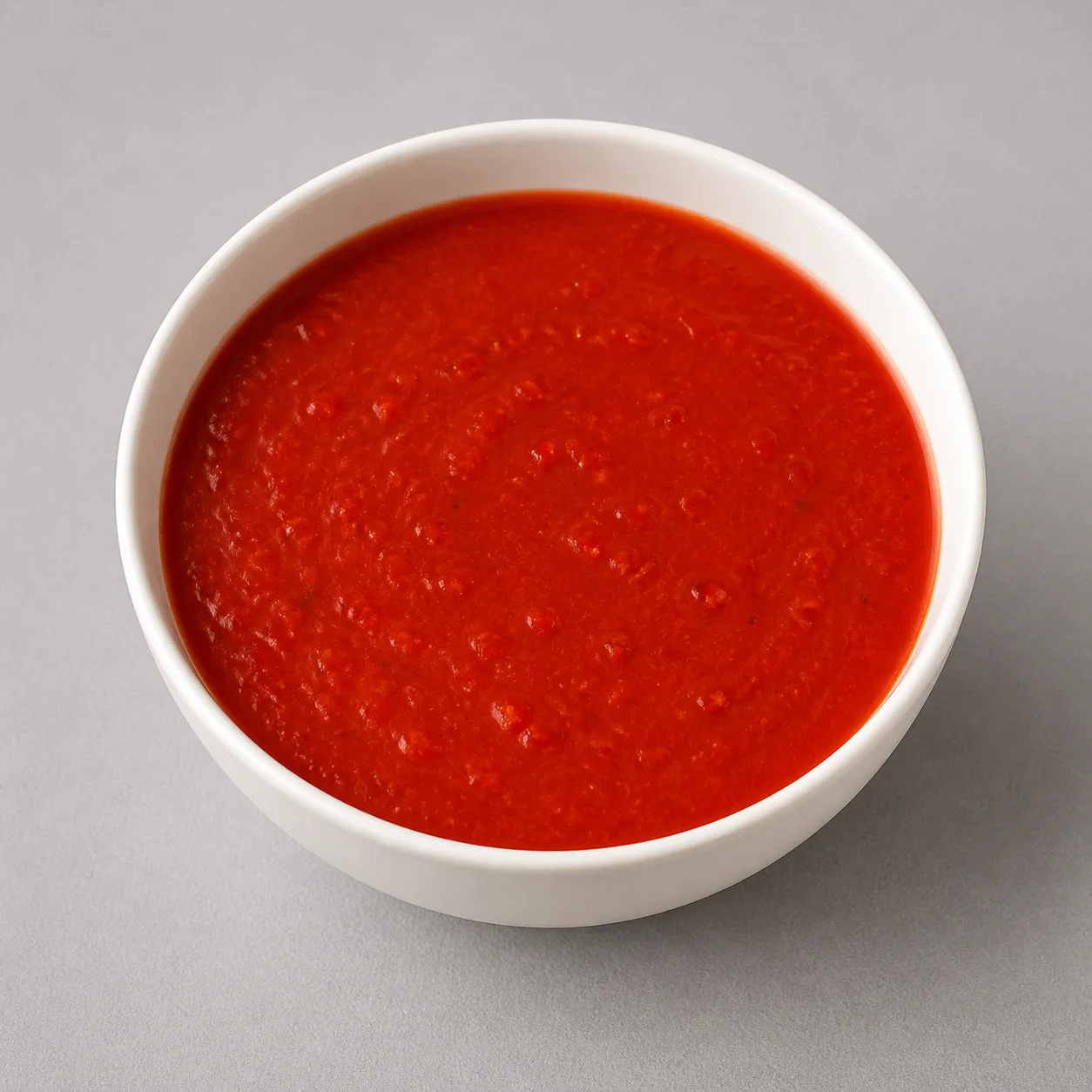
Convert your finished menu photo to sRGB, crop it to the platform's required shape, and resize it once before uploading. That single workflow gives the app a file it is less likely to reinterpret or shrink heavily.
Your phone gallery is not the final test. A recent iPhone can capture wide color and show it on a P3 display, while a delivery app may receive, resize, compress, or edit the file differently. Judge the uploaded menu thumbnail instead.
Use this upload routine
Make one clean sRGB export for each platform instead of sending the wide-color camera original everywhere.
- Keep the untouched original so you can start over without stacking edits.
- Correct exposure and white balance before adjusting saturation.
- Convert the finished image to sRGB. Do not merely remove its color profile.
- Crop and resize for the destination. Check the current DoorDash photo requirements or Uber Eats photo requirements.
- Export once as a high-quality JPEG or PNG, upload one dish, and inspect the result inside the customer-facing app.
If your editor has an export option named “Convert to sRGB,” use it. An option that only says “remove metadata” or “strip profile” is not the same operation.
Why the phone and the app disagree
This section explains the background. If you only want the steps, skip ahead to the next section.
The phone can show colors that an ordinary sRGB file cannot hold, so the same pixels can change when their color instructions are converted or lost.
Apple's current iPhone specifications list both “Wide color capture for photos” and a “Wide color (P3)” display. P3 gives highly saturated reds, oranges, yellows, and greens more room than sRGB.
W3C says “untagged images must be treated as being in the sRGB color space.” A color profile is like a label telling an app how to read the photo. Remove the P3 label without translating the colors, and the next app follows the wrong instructions.
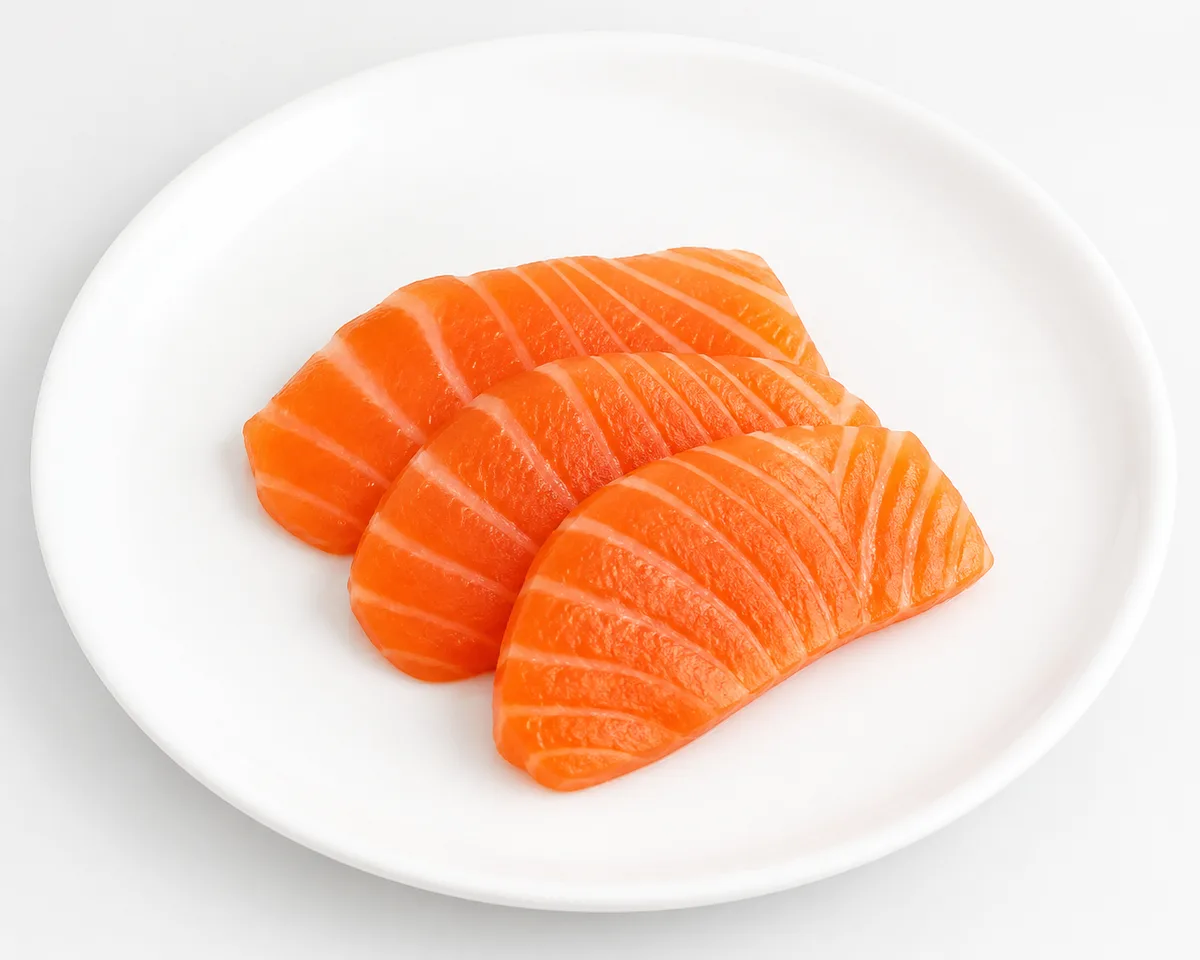
The measurements, if you want them
We tested food-related P3 colors two ways: a proper conversion into sRGB, and removal of the profile without conversion.
| Test color | Proper P3 to sRGB conversion, ΔE00 | Profile removed without conversion, ΔE00 |
|---|---|---|
| Tomato and chili red | 5.93 | 6.30 |
| Deep tomato sauce red | 3.47 | 5.24 |
| Salmon and tuna orange-pink | 4.25 | 3.57 |
| Blueberry purple | 0 | 1.49 |
These are instrument measurements, not claims about what a person will notice. Their practical message is narrower: converting and removing a profile are different operations, and stripping the profile can introduce error even when the original color already fits inside sRGB.
Why sauce edges take a harder hit
Give similarly bright foods some separation in lighting or plating, because compression preserves brightness detail better than color-only boundaries.
Everything to the end of this section is background and numbers. Skip to the next section if you do not need it. JPEG commonly uses 4:2:0 chroma subsampling. It stores the color components at half the horizontal and vertical resolution of brightness. In our five-image JPEG q80 test, 4:2:0 produced 21.9% more average error in saturated red pixels than 4:4:4. Turning subsampling off made files 18.1% larger on average.
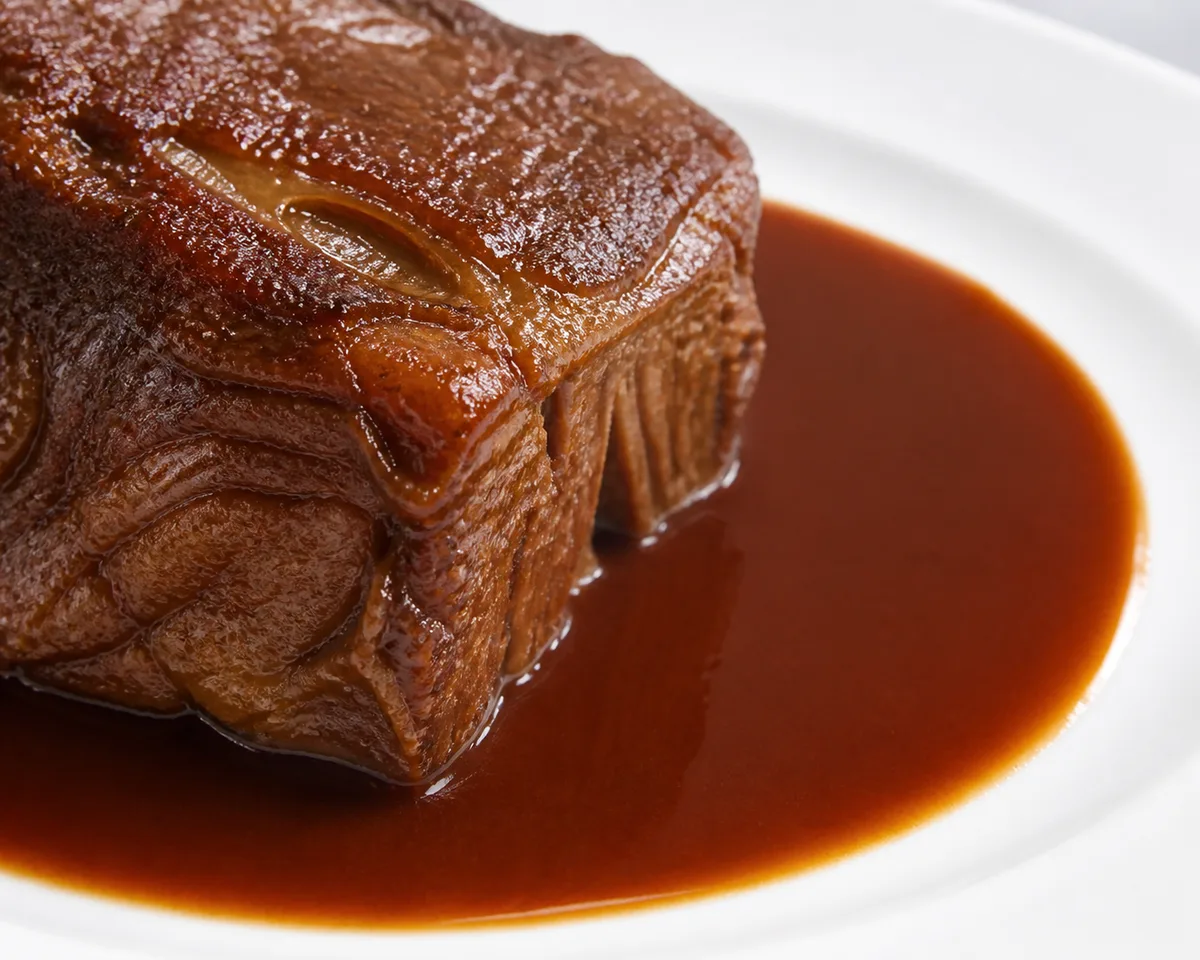
If you want the numbers: where the error collected
The same test sorted pixels by the kind of detail they contained. Error is the mean absolute channel difference on a 0 to 255 scale.
| Pixel area | Average error | Versus a flat area |
|---|---|---|
| Flat area | 1.25 | Baseline |
| Brightness detail such as texture or sesame | 3.10 | 2.48 times |
| Color boundary at similar brightness, such as sauce beside meat | 3.91 | 3.12 times |
| Brightness and color boundary together | 4.36 | 3.49 times |
Do not make 4:4:4 your main fix. The JFIF specification itself discourages subsampling formats other than 4:2:0 because some applications may not support them. A safer restaurant workflow is to avoid relying on a thin red-on-brown color boundary to explain the dish.
- Leave a small physical gap between sauce and meat when the plating allows it.
- Use the direction of the light to separate their brightness.
- Keep red and orange saturation controlled so later processing has less extreme color to handle.
Resize before the app has to
Resize to the required upload dimensions before export, because the resize-and-recompress step cost more in our test than repeated encoding at the same size.
If you want the numbers: how we tested this
We compared a direct thumbnail export with a simulated platform path that first encoded the upload, then resized it to 1080 px wide and encoded it again.
| Test path | Measured result |
|---|---|
| JPEG q80 encoded at the same size through 4 generations | Average error increased 1.4%; file size barely moved |
| Upload encoded, resized to 1080 px, then encoded again | Average error was 8.1% higher than resizing first and encoding once |
| Output size from the two resize paths | Difference stayed within 0.4% to 1.6% |
This simulation does not identify the encoder used by any delivery app. It shows why there is little benefit in uploading a much larger file when you already know the required crop and dimensions.
Diagnose the uploaded result, not the original
Upload one representative dish first and use its live customer thumbnail as your proof before processing the rest of the menu.
- If the whole image turns dull, return to the original and verify that you converted to sRGB instead of stripping the profile.
- If red sauce against brown meat loses definition, adjust the lighting or plating separation before adding more saturation.
- If the crop or sharpness changes, rebuild the export from the platform's dimensions rather than resaving the downloaded result.
- If the white plate has a color cast, fix white balance before making selective color edits.
For a new shoot, follow the phone food photography guide so the source file starts with clean light and a deliberate crop. If you do not want to build an export workflow, MenuFactory's AI food photography tool produces menu-ready food images from your dish photos.
Sources
- W3C CSS Color Module Level 4, accessed 2026-08-25
- Quoted in text: “For compatibility, colors specified in HTML, and untagged images must be treated as being in the sRGB color space.”
- Apple iPhone 17 technical specifications, accessed 2026-08-25
- Quoted in text: “Wide color capture for photos and Live Photos” and “Wide color (P3).”
- ITU-T T.871 JFIF specification, accessed 2026-08-25
- Quoted in text: “The most common of these forms is known as 4:2:0, in which the CB and CR colour components are sub-sampled by a factor of two in both the horizontal and vertical dimensions.”