Phone Camera Food Photo Distortion: Fix the Angle First
Keep round plates round, stop small dishes from triggering an ultra wide lens, and choose a practical camera distance for delivery app photos.
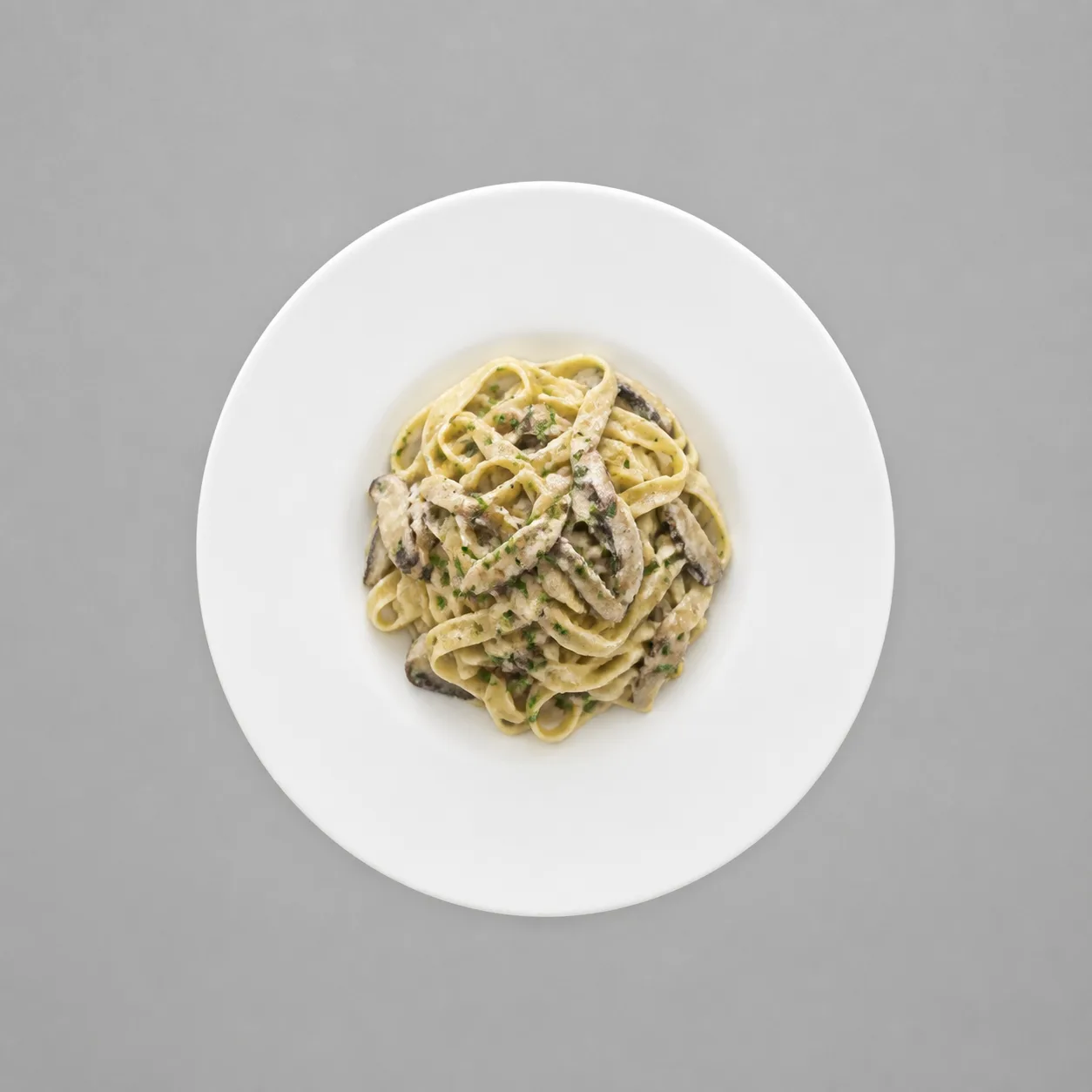
Keep the phone level over the plate, and if a small dish will not fill the frame at 1x without moving very close, switch to 2x and step back. A tilted camera makes a round plate look oval. The lens mainly decides how far away you must stand, and that distance can push a close 1x shot inside the camera's hard focusing limit.
Set up the shot this way
Start with the phone parallel to the tabletop, the dish centered, and enough room behind you to step back.
Use this order at the shoot:
- For a flat plate, shoot straight down if you need the rim to stay round.
- For an angled view, lower the phone only when you want to show height. Expect the near rim to look larger than the far rim.
- If the dish is small at 1x, choose 2x first, then step back until it fills the frame. Do not move 1x closer and closer.
- Tap the food to focus. If the preview suddenly changes angle, texture, or edge shape, the phone may have handed the shot to another camera.
- Keep the item centered so one file can survive DoorDash's square thumbnail crop and Uber Eats' center-framing rule.
If you want the iPhone specification details (optional)
On supported iPhones, 2x is a 12 MP crop from the main camera, not a separate lens. A 16:9 crop from that file still exceeds DoorDash's 1400 × 800 px minimum. For an end-to-end setup, use the phone food photography guide.
An oval plate means the camera is tilted
A flat round plate stays round when the phone is exactly parallel to the table, regardless of focal length, distance, or position in the frame.
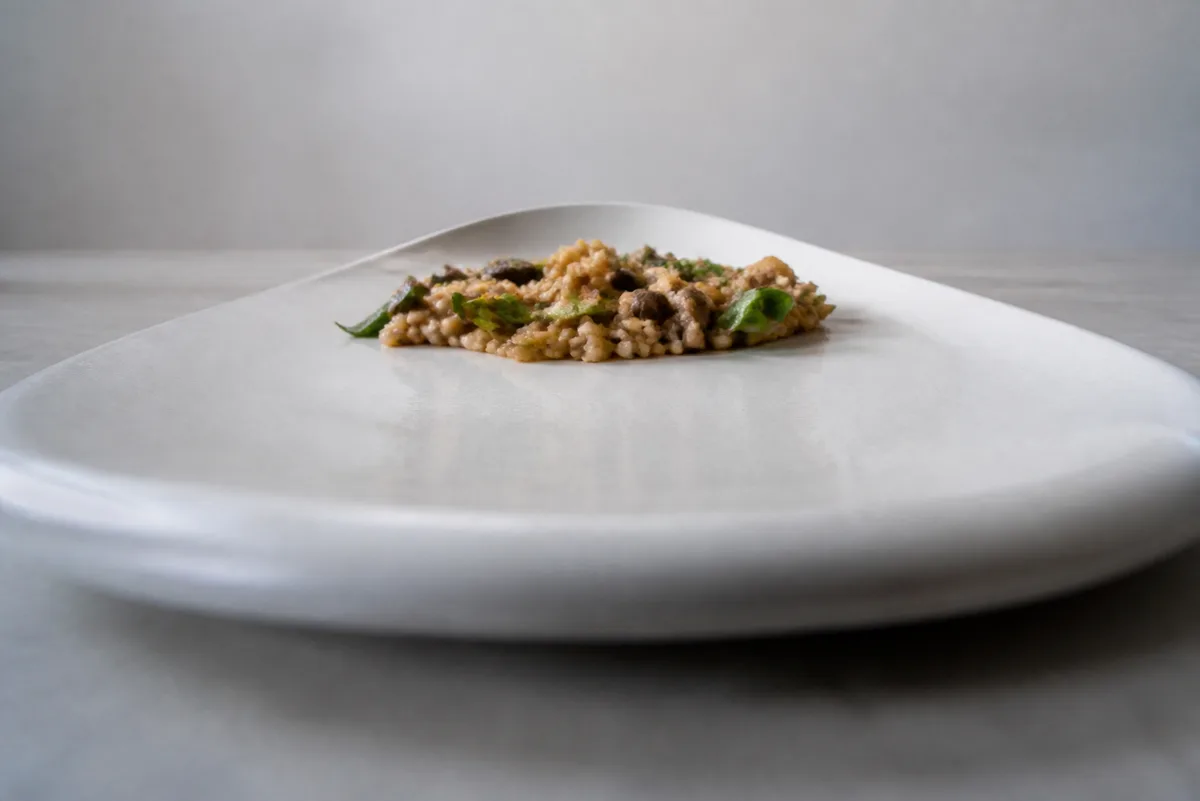
Tilt the phone and the plate's short axis compresses. At a 45° tilt, it becomes 71% of the long axis, so the plate looks 29% narrower. Every camera does this because the table and sensor are no longer parallel.
The quick diagnosis:
- Oval rim everywhere in the frame: fix the phone angle.
- One side much larger than the other: step back, then use a tighter lens setting to keep the same crop.
- A round bowl stretched mostly near a corner: recenter it and avoid the ultra wide camera.
Canon's practical summary is useful here: “Perspective is more obvious the nearer the camera to the subject.” Focal length changes framing, but moving closer is what exaggerates front-to-back size differences. Angle is what turns a flat circle into an oval.
If you want the focusing explanation: small dishes can cross the hard limit at 1x
Treat minimum focus distance as a hard boundary: inside it, that camera cannot focus, so the phone may switch cameras or substitute a crop.
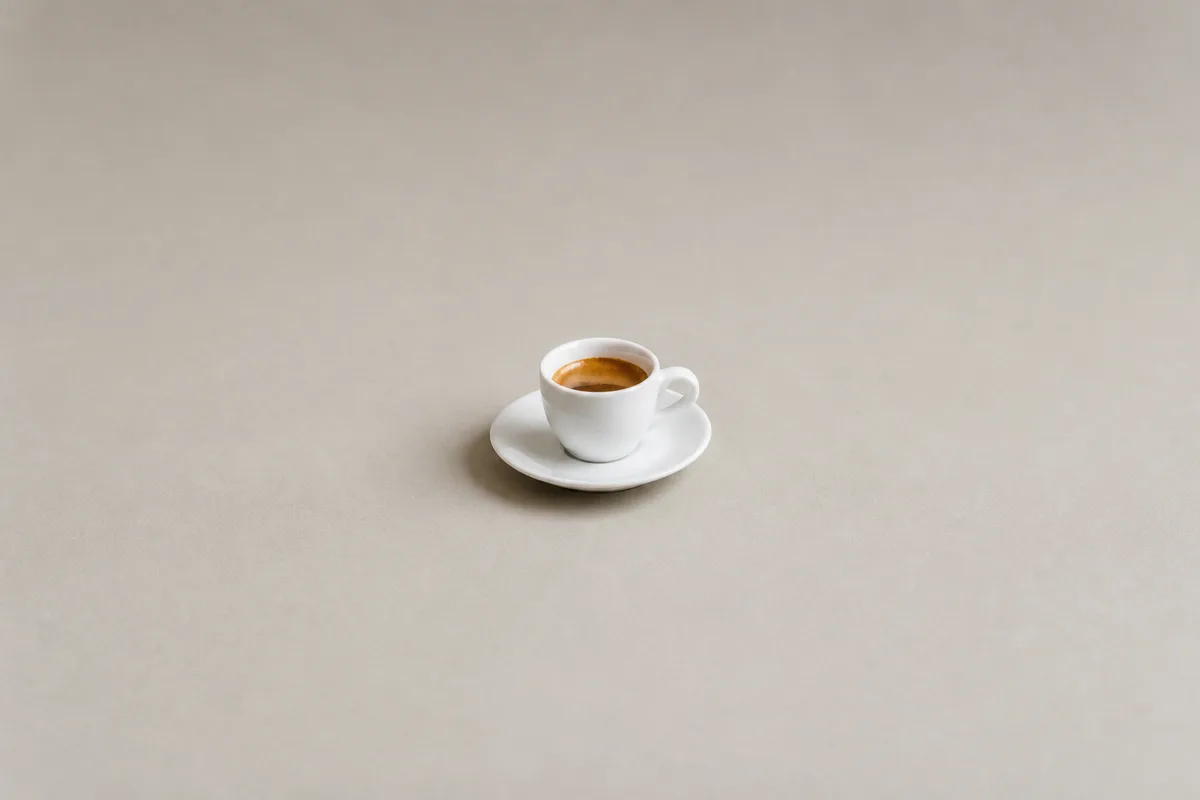
Apple does not publish a consumer minimum-focus figure for current iPhones. In a measured iPhone 13 Pro test, the main camera focused down to 15 cm, the telephoto to 60 cm, and the ultra wide macro camera to 2 cm. The 15 cm figure is model-specific, but it shows why the problem appears with small dishes.
What the measured limit means for a menu item
With a dish spanning 65% of the frame width, a 24 mm-equivalent 1x view needs a 26 cm plate to sit 27.7 cm from the camera. Under the measured 15 cm reference limit, the smallest dish that fits the same framing is 14.1 cm wide. A smaller cup, ramekin, dessert, or pastry forces that reference setup inside its minimum focusing distance, where the main camera cannot focus.
That is when an iPhone may invoke macro through the ultra wide camera. Apple's instruction says the camera can get “as close as 2 centimeters” and “automatically switch to the Ultra Wide camera.” On Pixel, Macro Focus can turn on at about 3 to 4 centimeters, and the macro camera is also the ultra wide.
The switch solves focus, but it changes perspective because you are extremely close. Camera-app developers have also observed current iPhones moving between the main and ultra wide macro cameras around food-sized subjects. Watch the preview instead of assuming the 1x label guarantees one physical camera.
Use the lens table to choose your working distance
For the same composition, a tighter view lets you stand farther back and reduces the size difference between the near and far parts of the food.
If you want the numbers
Every row below frames a 26 cm plate across 65% of the image width. Focal lengths are 35 mm-equivalent framing values, not the phone lenses' physical focal lengths. Pixel publishes field of view, so its equivalent values are calculated from the published 82° and 22° fields of view.
| Phone camera setting | Distance to plate center | 45° shot, near rim ÷ far rim | Top-down, top of 10 cm item ÷ base | Round bowl stretch at corner | Smallest dish above a 15 cm reference limit |
|---|---|---|---|---|---|
| iPhone 17 ultra wide, 13 mm equivalent | 15.0 cm | 4.15× | 2.99× | 1.94× | Not applicable, 2 cm macro limit |
| iPhone 17/16/15 Pro 1x, 24 mm equivalent | 27.7 cm | 1.99× | 1.56× | 1.35× | 14.1 cm |
| Pixel 10 Pro 1x, about 25 mm equivalent | 28.9 cm | 1.93× | 1.53× | 1.32× | 13.5 cm |
| iPhone 17 1x, 26 mm equivalent | 30.0 cm | 1.88× | 1.50× | 1.30× | 13.0 cm |
| iPhone 17/16/15 Pro 1.2x, 28 mm equivalent | 32.4 cm | 1.79× | 1.45× | 1.26× | 12.1 cm |
| iPhone 17/16/15 Pro 1.5x, 35 mm equivalent | 40.4 cm | 1.59× | 1.33× | 1.18× | 9.6 cm |
| iPhone 17 Pro 2x, 48 mm equivalent | 55.5 cm | 1.40× | 1.22× | 1.10× | 7.0 cm |
| iPhone 17 2x, 52 mm equivalent | 60.1 cm | 1.36× | 1.20× | 1.08× | 6.5 cm |
| iPhone 17 Pro 4x, 100 mm equivalent | 115.6 cm | 1.17× | 1.09× | 1.02× | 3.4 cm |
| Pixel 10 Pro 5x, about 111 mm equivalent | 128.3 cm | 1.15× | 1.08× | 1.02× | 3.0 cm |
| iPhone 17 Pro 8x framing, 200 mm equivalent | 231.1 cm | 1.08× | 1.05× | 1.01× | 1.7 cm |
The practical middle is often 2x. Moving from the 24 mm-equivalent 1x row to the 48 mm-equivalent 2x row keeps the plate the same size in frame while changing the working distance from 27.7 cm to 55.5 cm. Across a 26 cm plate, the near-to-far size difference falls from 99% to 40%, top-down splay on a 10 cm-tall item falls from 56% to 22%, and corner stretch falls from 35% to 10%.
Longer settings flatten perspective further, but they demand much more room and may have their own close-focus limits. The table's last column is a framing calculation against the measured 15 cm main-camera reference, not a claim that every telephoto can focus at that distance.
Export for the delivery apps
Finish with a centered 16:9 landscape file at or above 1400 × 800 px, then check that correcting distortion did not create an upload problem.
Before you upload:
- Let the item occupy roughly 50% to 70% of the frame, with at least 80% of it visible for DoorDash. A round plate spanning 65% of the frame width falls inside the plausible readings of that fill rule.
- Keep the dish centered. DoorDash can center-crop the landscape file to a 1:1 thumbnail, and Uber Eats rejects corner or off-frame placement.
- Do not solve perspective by digitally enlarging a distant dish until the file fails quality review. DoorDash names zoom as a rejection reason.
- Check the exact DoorDash photo requirements and Uber Eats photo requirements before delivery.
- If the original cannot be reshot, AI food photography can help rebuild a cleaner listing image. Keep the real dish centered and recognizable.
The short version is simple: level the phone for a round plate, use 2x and step back for a small subject, confirm focus before shooting, and center the final crop.
Sources
- Apple, iPhone 17 Pro technical specifications, accessed 2026-08-25
- Apple, iPhone 17 technical specifications, accessed 2026-08-25
- Apple, Customize the Main camera lens, accessed 2026-08-25
- Apple, Take macro photos and videos, accessed 2026-08-25
- Apple Developer, minimumFocusDistance, accessed 2026-08-25
- Google, Pixel 10 Pro specifications, accessed 2026-08-25
- Google, How to use Macro Focus, accessed 2026-08-25
- Lux, iPhone Macro Camera: A Big Day for Small Things, accessed 2026-08-25
- Lux, iPhone 17 Pro Camera Review: A Rule of Three, accessed 2026-08-25
- Canon, Lens Basics: Perspective, accessed 2026-08-25
- DoorDash, Common Rejection Reasons, accessed 2026-08-15
- DoorDash, Photos Terms Glossary, accessed 2026-08-15
- Uber, Merchant submitted menu catalog photo guidelines, accessed 2026-08-23